
TL;DR
- The seven best AI browsers in 2026 – AKA, browsers with AI built into the browsing experience itself – and what each one is best at.
- The pros and cons of each browser and key use cases.
- Why you might need to use an AI browser over a traditional one and the key benefits.
- How developers can skip AI browsers entirely and connect an AI agent to a hosted browser instead.
Introduction
For many of us, web browsing still feels oddly manual – you have 30 open tabs, half-finished searches, notes pasted into a doc, and no way to automate the process – even when the rest of your workflow is full of AI tools. AI browsers promise to fix that.
That's why AI browsers are growing in popularity. An AI browser is a web browser with AI built into the browsing experience itself, so it can understand what's on the page, summarize webpages, compare multiple sources, and sometimes complete multi-step tasks for you instead of just displaying web content. In other words, it turns the browser from a passive window into an active AI assistant.
Keep Aware's 2026 browser security report found that 41% of end users interacted with at least one AI web tool through the browser in 2025, which goes some way toward explaining why browser makers, AI labs, and the Browser Company are all racing to redefine the internet experience.
In this guide, you'll see how seven contenders compare: Perplexity Comet, Brave Leo, Opera AI, Microsoft Edge Copilot, Arc Max, Genspark, and Dia.
You'll learn what counts as a real AI browser, where each product actually shines, and where the category still gets risky – especially once AI agents start acting on your behalf. You'll also find an alternative to AI browsers, which might give you more control over what AI has access to.
What is an AI browser?
An AI browser is a standalone web browser with AI built into its core workflow. As well as loading pages and waiting for clicks, it can understand browsing context, answer questions about the page, summarize content, compare open tabs, and, in more advanced products, take actions such as filling forms, navigating sites, or completing browser automation tasks on your behalf.
Let's break down the key differences:
| Traditional browser | AI browser |
|---|---|
| Opens pages | Opens pages and understands what's on them |
| Manages tabs | Analyzes multiple pages and open tabs together |
| Saves passwords | Maintains context across sessions |
| Sends you to a search engine when you need answers | Keeps conversation history and answers questions directly |
| Displays web content | Drafts text and suggests relevant actions |
| Waits for you to click and navigate | Surfaces actions from the address bar or chat window |
| Supports manual browsing | Can run agent mode for autonomous browsing in some cases |
To understand the distinction fully, let's run through some key terms in the space:
- AI browser: A full browser built around AI from the start, such as Perplexity Comet, Dia, or Genspark. AI is part of how search, tabs, and actions work.
- AI browser extension: An add-on layered onto Google Chrome or another browser. It may be useful, but it doesn't control the whole browsing stack or maintain as much native context.
- Traditional browser with AI features: A regular browser that's adding AI capabilities, such as Microsoft Edge with Copilot, Opera with Opera AI, or Google Chrome with Gemini Auto Browse. These can be excellent, but they're not always as deeply agentic as the newer AI-native products.
- AI browser agent: An AI agent that lives inside the browser and can take action on your behalf – not just answer questions. An AI browser agent can navigate sites, compare multiple tabs, fill forms, summarize web content, and complete multi-step tasks using your live browsing context rather than acting like a separate chat tool.
That's also why asking, "What's the best AI browser?" is trickier than it seems. Some people want deep research. Some want a free tier and a clean browser sidebar. Others want local models, strong privacy, or AI automation that can actually complete tasks. So, how do you choose an AI browser that meets your business's actual needs?
The best AI browsers in 2026
Strictly speaking, not every option here is equally AI-native. Comet, Dia, and Genspark are closer to true agentic browsers, while Opera, Edge, and Arc Max sit nearer to traditional browsers with serious AI features. Both are included here, because you might benefit more from one category than the other.
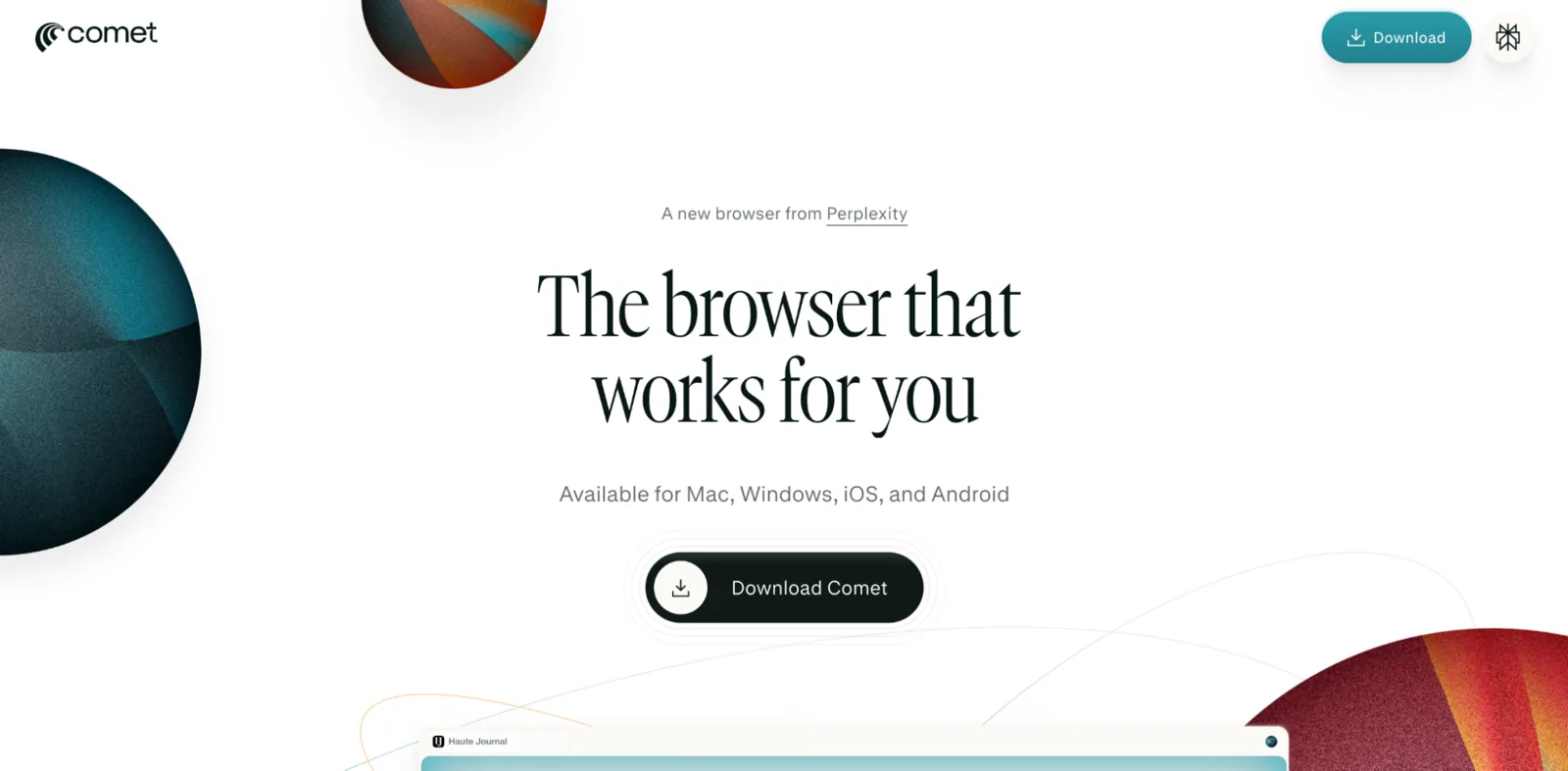
Perplexity Comet: The best for research
Comet is the most convincing research-first AI browser right now because it combines deep research, cross-tab analysis, one-click summaries, and agentic actions in one product.
Key AI features:
- Summarizes articles, PDFs, videos, and social media content from the current page.
- Compares information across multiple tabs with cross-tab intelligence.
- Can compose emails, schedule meetings, make purchases, fill forms, and navigate sites.
- Supports voice mode for hands-free browsing and tab management.
Pricing: Free for everyone since October 2025. Comet Plus is a separate $5-per-month subscription for premium publisher content and is included with Perplexity Pro and Max.
Pros:
- Strongest overall fit for deep research, multiple sources, and tasks that Comet can actually complete.
- Feels closer to agentic AI than AI-assisted browsing.
Cons:
- Early-stage agentic behavior still raises legal and security questions.
- Some users will find the automation layer more ambitious than they need.
Who it's for: Students, journalists, analysts, and anyone who lives in open tabs, PDFs, and deep research all day.
Amazon sued Perplexity over Comet's automated shopping in November 2025 and won a preliminary injunction in March 2026, which the Ninth Circuit vacated in August 2026. The case is a reminder that the rules for agentic browsers are still being written.
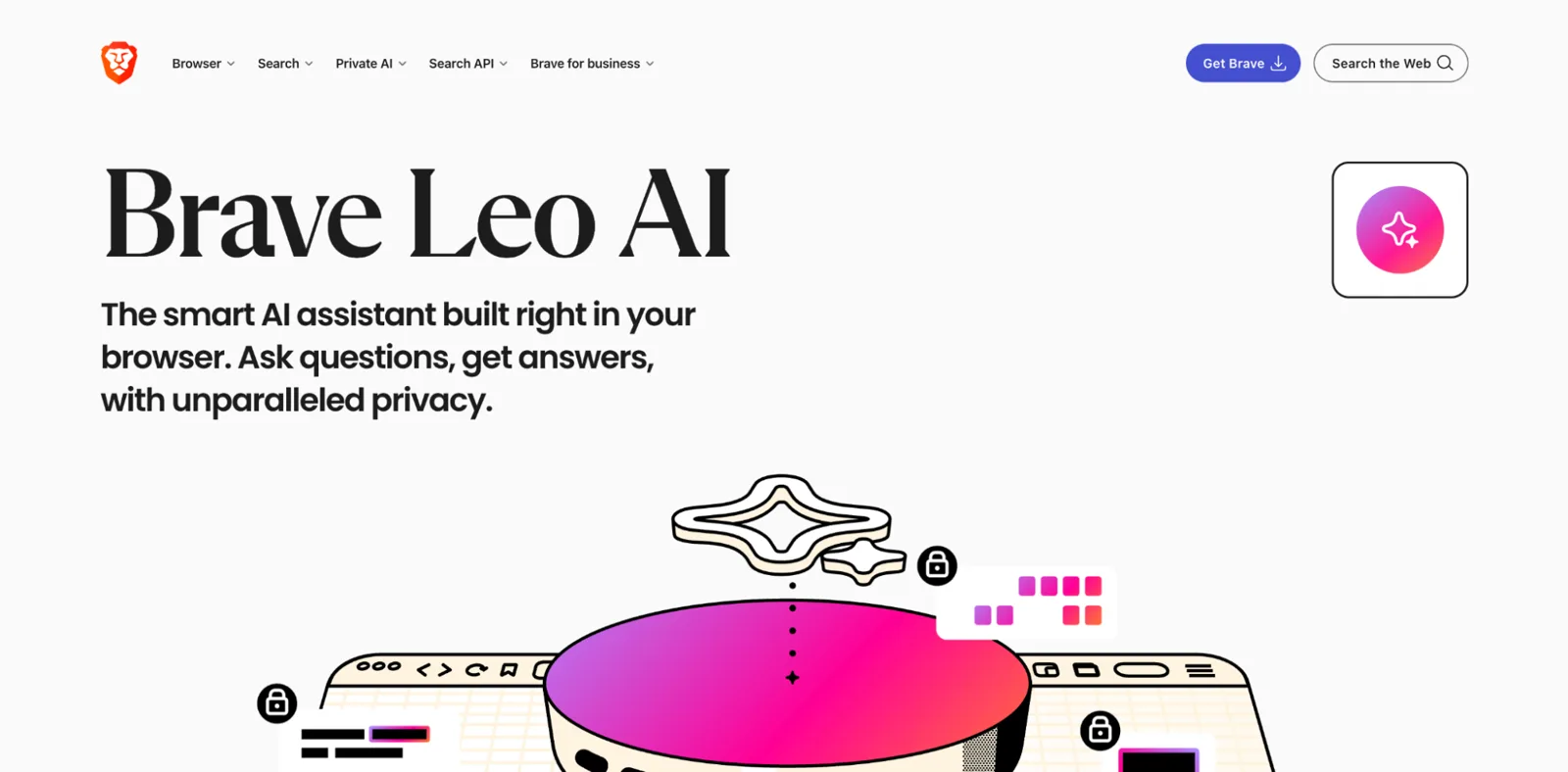
Brave Leo: The best for privacy
Brave Leo stands out because it treats privacy as the product, not as an afterthought once you've added AI to a regular browser.
Key AI features:
- No login required, and Brave says prompts and chats are not used to train models.
- Routes requests through anonymizing infrastructure.
- Supports local or remote models, plus bring-your-own-model options.
- Can analyze PDFs, Google Docs, and Google Sheets inside the browser.
Pricing: Free, with Leo Premium at $14.99 per month.
Pros:
- Best privacy posture in the category.
- Cross-platform, with desktop and mobile support.
Cons:
- Less ambitious than the leading agentic browsers for autonomous browsing.
- Better for secure assistance than full workflow automation.
Who it's for: Privacy-conscious users, journalists, security-minded teams, and anyone uncomfortable with sending every prompt to a cloud account. Brave also has scale on its side: the company reported more than 100 million monthly active users in late 2025.
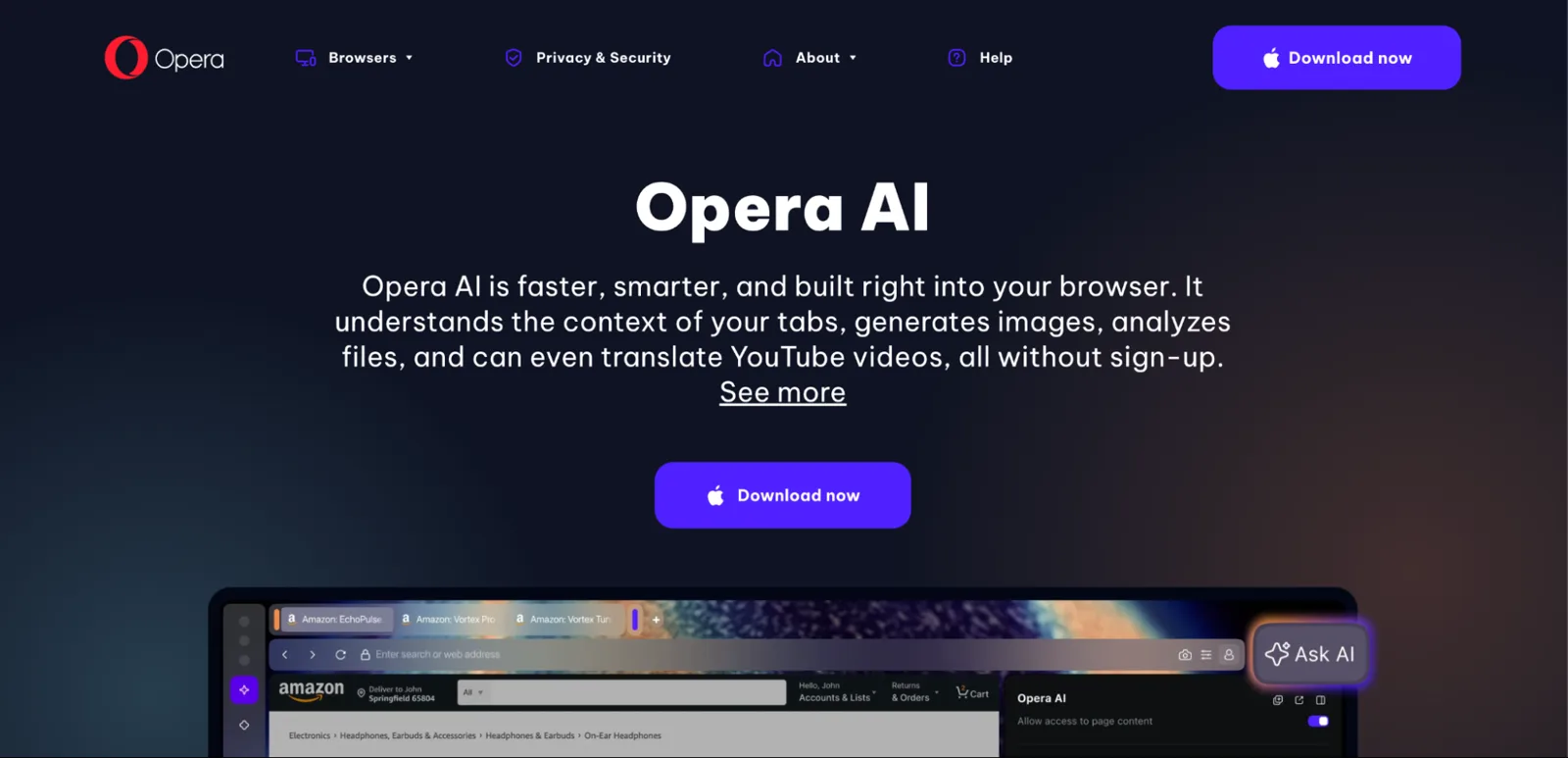
Opera with Opera AI: The best free all-rounder
Opera with Opera AI is the easiest recommendation if you want an AI web browser feel without signing up for another paid product.
Key AI features:
- Free browser AI with real-time web access.
- Can summarize pages, synthesize multiple online sources, and help with writing.
- Ties into tab control and broader Opera productivity features such as tab organization.
- Supports image uploads and page-content access in supported contexts.
Pricing: Free.
Pros:
- No subscription friction.
- Good balance of AI features for casual everyday web browsing.
Cons:
- Its contextual page layer is less ambitious than Comet.
- Opera itself warns against using page-content access on sensitive sites, and Opera AI is not available in private windows.
Who it's for: Casual users who want an all-rounder AI web browser option that feels familiar, costs nothing, and can still summarize webpages, help with writing assistance, and answer questions from the browser sidebar.
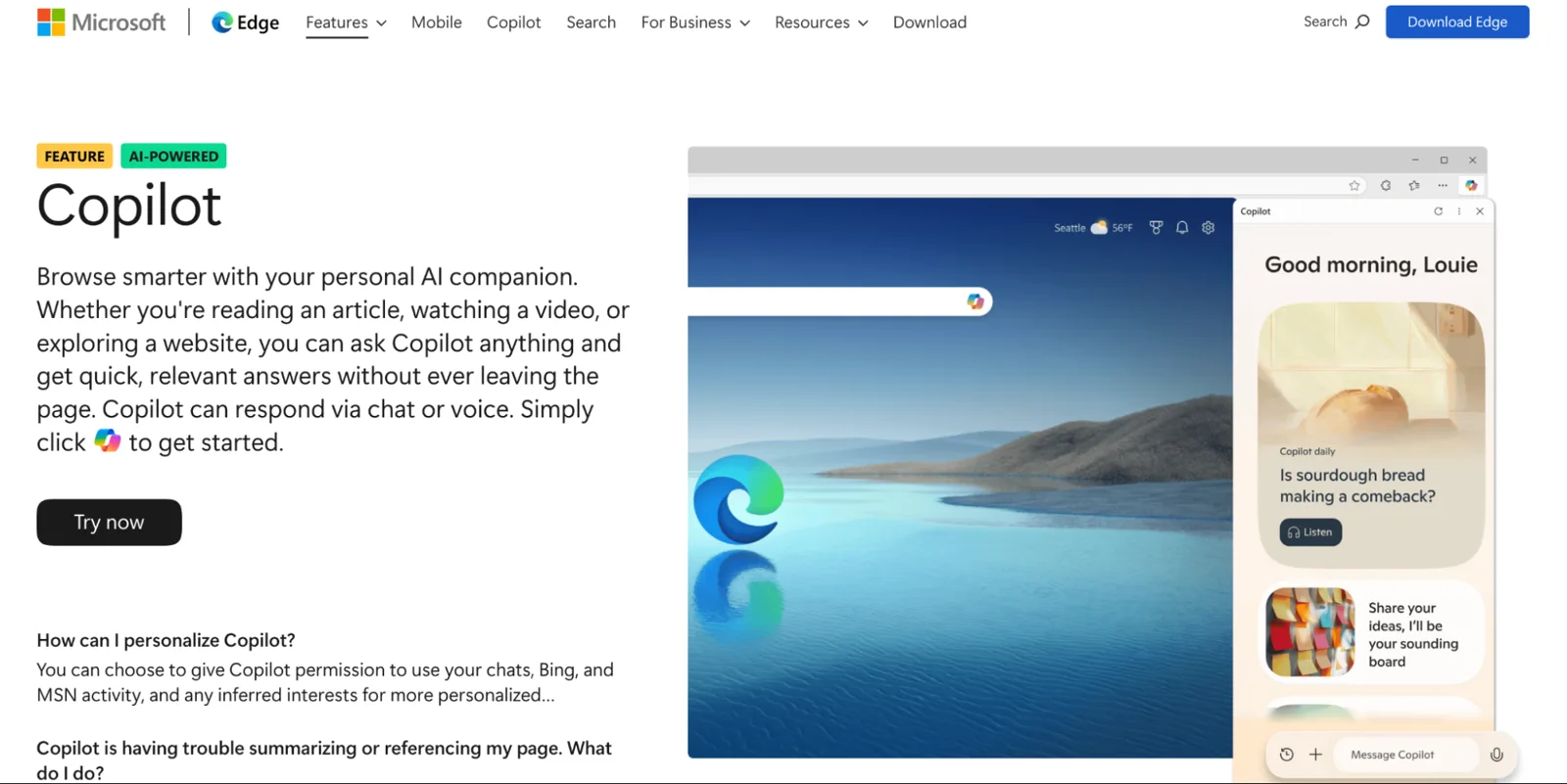
Microsoft Edge with Copilot: The best for Microsoft 365 users
Edge with Copilot is the pragmatic choice if your work already lives inside the Microsoft ecosystem.
Key AI features:
- Copilot is built directly into Edge.
- Can use page context from the current webpage, open tabs, browser history, and some documents.
- Handles page summaries, PDFs, and video insights.
- Browse with Copilot adds assisted actions for Microsoft 365 Premium subscribers in the U.S.
Pricing: Core Copilot in Edge is free. Browse with Copilot needs Microsoft 365 Premium (U.S. only, with usage limits), and extended podcast generation needs a Microsoft 365 Personal, Family or Premium plan.
Pros:
- Broad platform support.
- Strong fit if you already use Microsoft 365 every day.
Cons:
- Less worthwhile if you're outside Microsoft's stack.
- The UI still feels more like one of the other browsers with AI features than a true AI-native rethink.
Who it's for: Business users who want Microsoft Edge Copilot to summarize, draft, and connect work context without switching browsers. If your week already runs through Outlook, Word, Teams, and Microsoft 365, Edge is the low-friction choice.
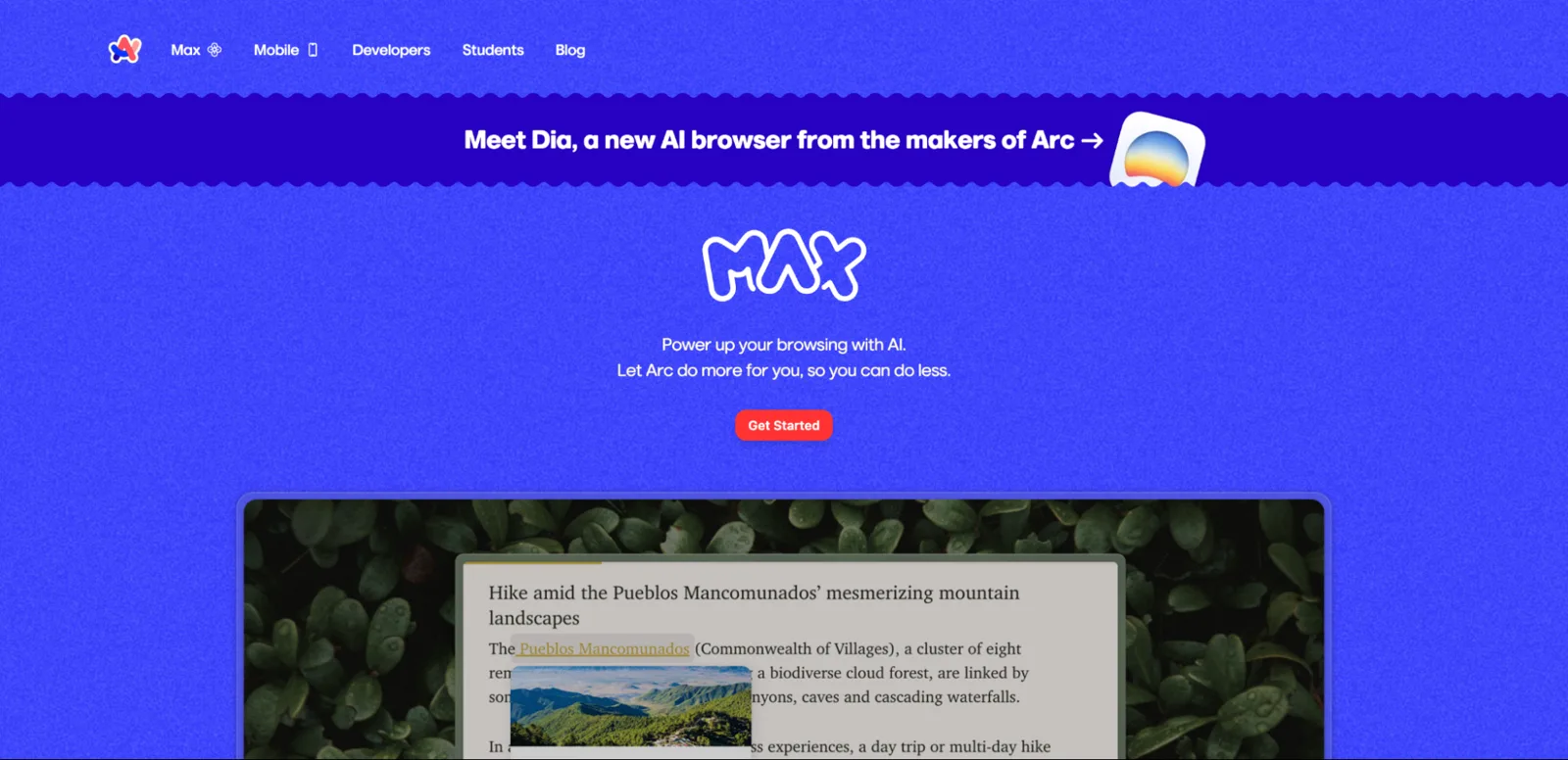
Arc Max: The best for power users who want subtle AI
Arc Max works best when you want AI woven into browsing, not constantly asking for attention in a separate chat window.
Key AI features:
- 5-Second Previews summarize a link before you open it.
- Tidy Tab Titles automatically renames pinned tabs.
- ChatGPT is available from the Command Bar without a full-time sidebar.
- Opt-in Max features rather than always-on AI.
Pricing: Free.
Pros:
- Best fit for power users who feel the chatbot on Chrome is intrusive.
- Feels lightweight and productivity-first.
Cons:
- Not the best pick for full AI automation.
- Less capable than Comet when you want AI agents to complete tasks end-to-end.
Who it's for: People who liked Arc before AI arrived and still want the user experience to feel like a browser first. If you want subtle AI capabilities instead of a permanent assistant taking over the screen, Arc Max still holds up.
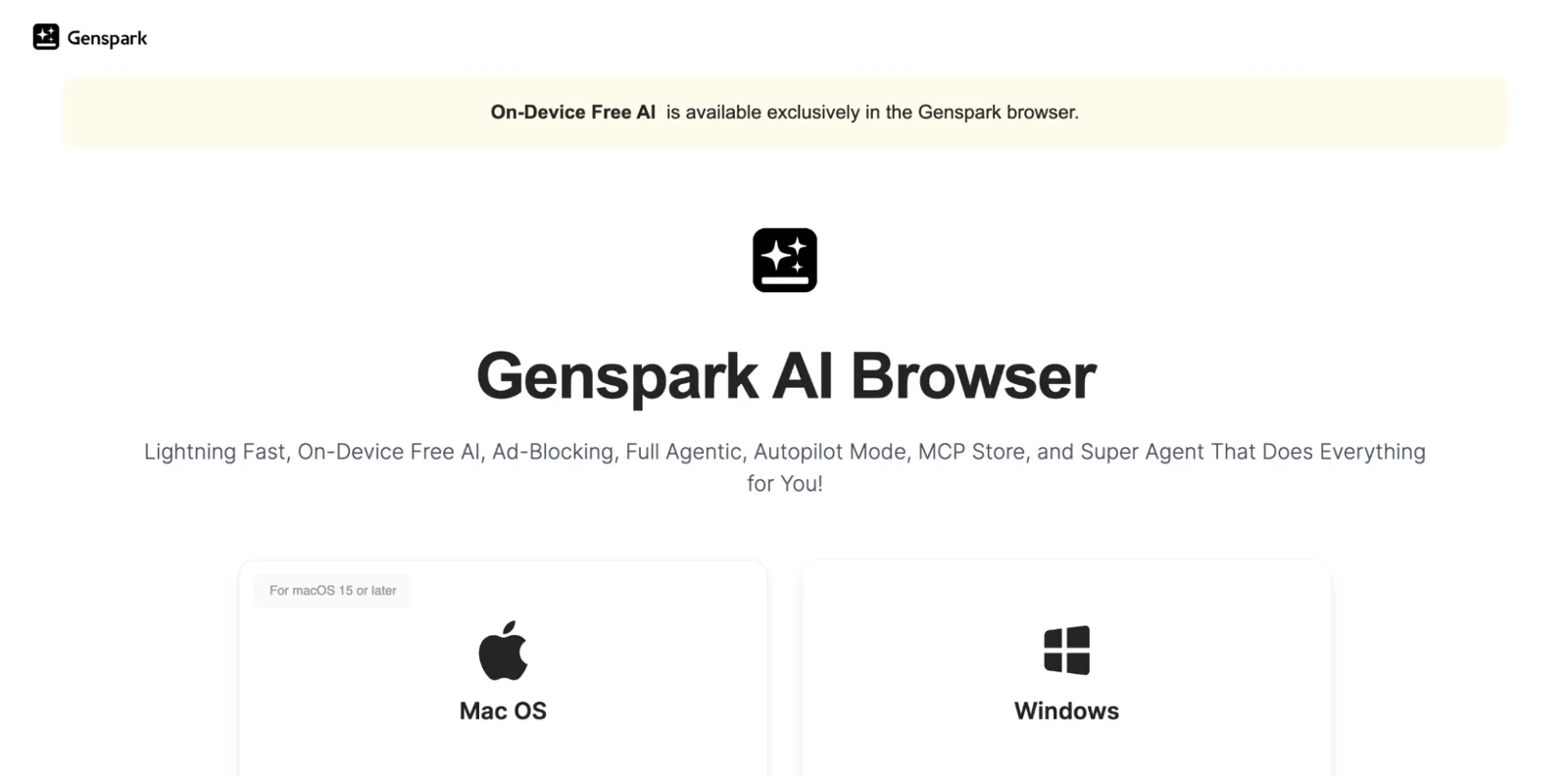
Genspark: The best for offline and on-device AI
Genspark is the most unusual option here because it pushes local, on-device AI harder than almost anyone else in this category.
Key AI features:
- Runs AI models locally on your device with no internet required for its on-device mode.
- Includes full agentic and autopilot modes for hands-off task completion.
- Has a built-in MCP store for connecting apps and tools into workflow automation.
- Positions its super agent as a helper for comparing products, reviewing pages, and making decisions on any site.
Pricing: The browser is free to download, and Genspark also offers Free, Plus, and Pro membership tiers across its broader workspace products, though the browser page itself does not present a simple browser-only pricing breakdown.
Pros:
- Best option here for local models and unreliable internet connections.
- More ambitious than most on browser automation.
Cons:
- Product positioning is still a bit sprawling.
- Pricing and plan boundaries are less clear than they should be.
Who it's for: Users who care about on-device processing, privacy, and experimenting with agentic browsers that go beyond a simple AI assistant in the search bar.
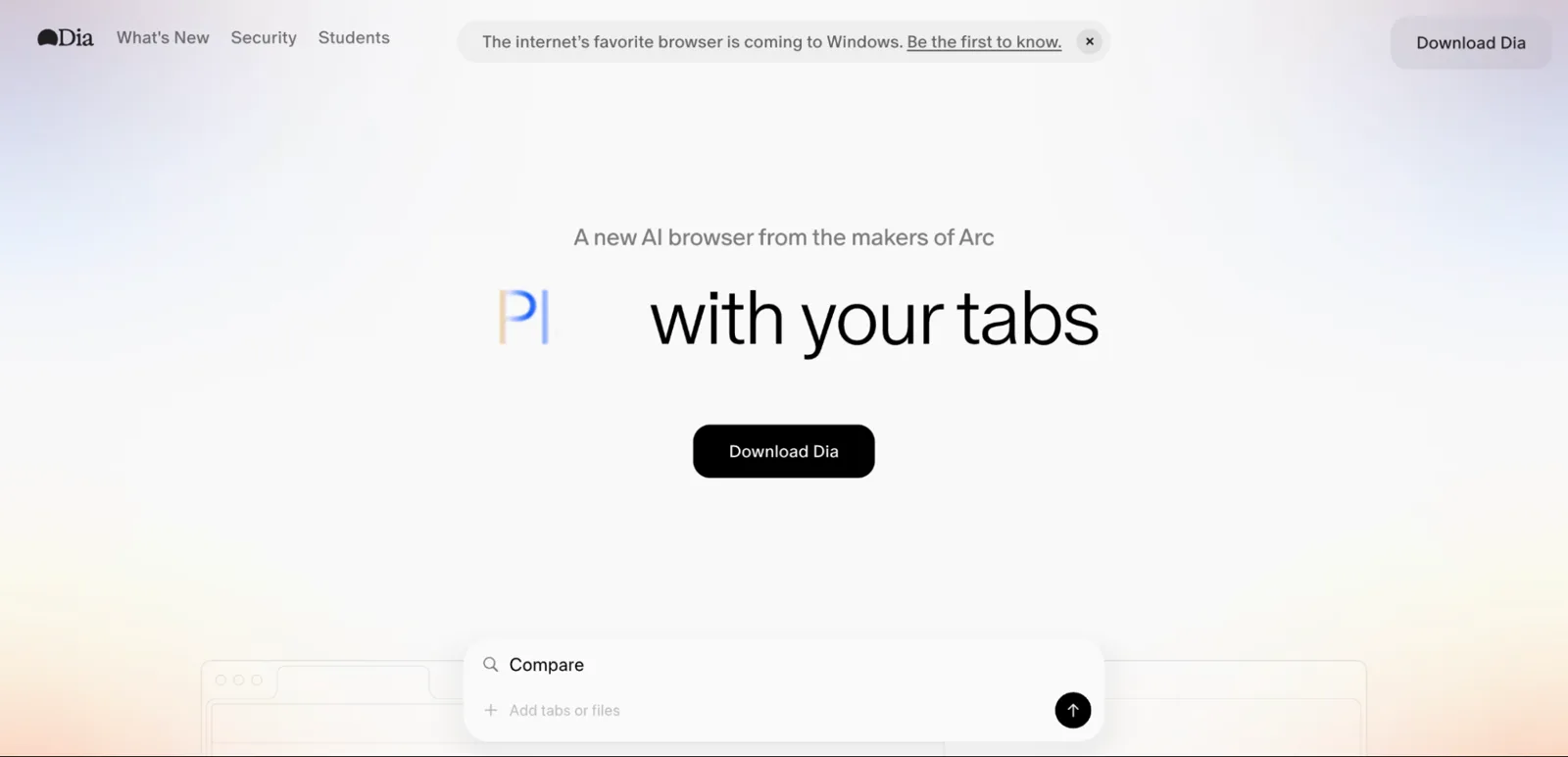
Dia: The best for writing and planning
Dia's browser is the most interesting choice if your browsing use case is about creating and managing a mix of notes, writing, planning, and open-ended thinking.
Key AI features:
- Lets you chat directly with your tabs and pull them into context.
- Includes Skills – reusable shortcuts and community-made workflows for repeatable tasks.
- Is marketed around writing in your own voice, learning, planning, and shopping.
- Uses memory and browsing context while offering local storage and per-site controls by default.
Pricing: Free tier with chat on any tab, custom Skills, attachments, and Memory. Dia Pro is $20 per month after a 14-day free trial.
Pros:
- Best for writing assistance and creative planning.
- Skills make repeatable workflows more practical than a blank chat box.
Cons:
- macOS only (macOS 14+ on Apple Silicon), with Windows coming in fall 2026 via a waitlist.
- Less mature for enterprise-style automation than the more research-heavy tools.
Who it's for: Writers, planners, founders, creatives, and anyone who wants AI to feel less like a chatbot and more like a thinking layer across open tabs. That's also what makes Dia the clearest signal yet from the browser company camp that the browser itself is becoming the interface for AI work.
That covers the AI browser tools and what each is best for, but features alone don't decide the best AI browser. The harder question is whether you should trust any of these tools with your real browsing context in the first place.
AI browser security: what you need to know
AI browsers create a new attack surface because they do more than render pages. They read, interpret, and sometimes act on what they see. That makes them categorically different from regular browsers, and it changes the security model from passive display to delegated decision-making.
The biggest problem is prompt injection
Due to prompt injection, hidden malicious instructions can be embedded inside web pages, screenshots, links, or other content, and the model may follow those instructions instead of your intent.
Brave's security team has described indirect prompt injection as a systemic problem for AI-powered browsers, not a single-product bug. Perplexity's own security writeup says browser-agent detection is still in its early stages.
The second risk is data exposure
AI browsers are continuous observers: every page visit, form, cross-tab comparison, and delegated task builds more context than traditional browsers usually collect in one place. Keep Aware's 2026 State of Browser Security report found that 58% of AI prompt inputs and 46% of file uploads in enterprise environments went to personal accounts rather than corporate ones, which is exactly how "shadow AI" creeps into a business without governance catching up.
The practical advice is not complicated. Don't use agentic features with sensitive accounts unless you have a strong reason to.
Opera explicitly warns against using page-content access on banking, payment, medical, or other private sites.
A few habits lower your exposure to risk even further:
- Keep the browser updated.
- Review extensions.
- Use a separate browser for high-value accounts.
- Prefer products with local or on-device processing if privacy is a priority.
Brave Leo's local and BYOM options help here, and Genspark's on-device mode does too. Security is improving – Perplexity says it has built real-time prompt injection defenses, but none of these vendors claim the problem is solved. Caution is still the right default.
Once you know where the risks are, choosing the right tool (or deciding you don't need a dedicated AI browser at all) becomes less about hype and more about fit.
How to choose the right AI browser for your needs
If research is your bottleneck, Perplexity Comet is still the strongest pick. It's the best AI browser for comparing multiple sources, summarizing content across multiple pages, and handling real browser automation without turning the whole experience into manual prompt juggling.
If privacy matters most, Brave Leo is the easy answer.
If free matters most, Opera AI and Edge's core Copilot features are both low-friction choices.
If your team lives in Outlook, Teams, and Microsoft 365, Edge is the better fit.
If you just want a free AI assistant baked into a general-purpose browser, Opera feels simpler.
Platform matters too. Dia is macOS-first today, while Brave, Edge, and Opera are broadly cross-platform. Genspark supports macOS and Windows, and its on-device model story is a real differentiator if you care about local processing.
The simplest rule is still the best one: try two or three max before committing. The best AI web browser is the one you forget you're using because it quietly removes tab overload, repetitive research, and constant switching between tools.
And if none of these fit – or you'd rather not hand a new browser your logged-in accounts – there's a different route: keep your current browser and give an agent its own.
Connecting Browserless to an AI agent instead
If you're a developer building your own agents, you may not need a new browser at all. If you already know your way around Chrome or Firefox and just want an agent that can act on the web for you, you can skip AI browsers altogether and connect an agent straight to browser infrastructure instead.
You can do this with the Browserless Model Context Protocol (MCP) server.
MCP is an open standard that lets AI assistants call external tools, and Browserless's hosted server gives assistants like Claude, Cursor, VS Code, and Windsurf 14 browser and account tools, from scraping, search, crawling, URL mapping and exports to Lighthouse audits, saved login profiles and a stateful browser agent, all backed by cloud browsers you don't have to run yourself.
If you point your agent at the hosted server, it can:
- Scrape pages and pull structured data with
browserless_smartscraper, which escalates from a plain HTTP fetch to proxies, a full browser and CAPTCHA solving as needed. - Take full-page or targeted screenshots.
- Generate PDFs from any webpage on demand.
- Run custom Puppeteer scripts for anything more specific.
- Drive a persistent browser session turn by turn with
browserless_agent, clicking and typing through logins and multi-step flows.
There's no need for a full AI browser install and setup is a few lines of config:
{
  "mcpServers": {
    "browserless": {
      "type": "http",
      "url": "https://mcp.browserless.io/mcp",
      "headers": {
        "Authorization": "Bearer YOUR_API_TOKEN_HERE"
      }
    }
  }
}
Clients that support OAuth can skip the token and sign in with your Browserless account instead.
Start by testing small workflows with cloud-based browsers and supervised agents. With a platform like Browserless, it's easy to spin up real browsers and run AI-driven tasks without maintaining infrastructure and without the need for an AI browser. You can sign up to Browserless for free.
You don't get the polish of a consumer AI browser, but you do get more control. You also keep your everyday browser as it is – the agent only touches what you want it to, and there's no separate account or browsing history to secure.
It won't replace Comet if you want a genuinely AI-native browsing experience day to day, but if you're building your own automation, or you'd rather not hand an AI browser access to your logged-in accounts, it gives you a more controlled way to get an agent onto the live web.
If a full AI browsing experience is still what you're after, the seven options above are the better fit.
Conclusion
AI browsers have moved past the novelty stage. In 2026, they're already useful for research, writing, summaries, tab organization, and a growing set of autonomous browsing tasks.
Google Chrome's Auto Browse launch in January 2026 is probably the clearest signal that even the biggest traditional browser vendors now see AI automation as part of the future of web browsing, not a side experiment.
The best overall pick is Perplexity Comet. It has the strongest mix of research depth, cross-tab intelligence, task execution, and free access. For privacy, Brave Leo is the clear leader. For free everyday use, Opera AI and Microsoft Edge Copilot are both sensible choices, depending on whether you want a lightweight general browser or tighter Microsoft workflow integration.
The alternative, which gives your AI agents a real, cloud-hosted Chrome instance to work with, is to connect it directly with browser infrastructure using a tool like Browserless.
Another caveat is that this category is moving fast.
Pricing, platform support, and core features are shifting every few months, which means the answer to what the best AI browser is could change again before the year is out. However, that shouldn't prevent you from doing your research, making your choice, and starting to benefit from an AI browser.
Best AI Browser FAQs
What is the best browser for AI agents?
Perplexity Comet is the strongest current pick for AI agents because it combines research, cross-tab comparison, page summaries, form-filling, and autonomous navigation in one browser.
It goes much further than browsers that simply add a chatbot sidebar.
What is the best browser for AI automation?
For true AI automation – where the browser can navigate, click, fill forms, and complete tasks with limited supervision – Perplexity Comet leads the field right now.
Genspark is also worth a look if you want a more experimental browser use model with autopilot and on-device options. Brave Leo and Opera are better described as assisted browsing tools than full automation platforms.
What is the best security for browser AI tools?
Brave Leo is the most privacy- and security-focused option in this group because it doesn't require a login, anonymizes requests, and supports local or bring-your-own-model setups.
If you use other AI browsers, the safest approach is to avoid sensitive accounts, keep the browser updated, be cautious with extensions, and remember that prompt injection – where hidden instructions inside web content try to trigger unauthorized actions – is still an industry-wide problem that no browser has fully solved.
Can I connect an AI agent to Browserless instead of using an AI browser?
Yes. The Browserless MCP server gives AI assistants like Claude and Cursor a real, cloud-hosted Chrome browser to work with, so they can scrape pages, take screenshots, and fill in forms without you adopting a new browser. It suits developers who want control over exactly what an agent can access, rather than an all-purpose AI browsing experience.