
TL;DR
- Selenium alternatives. A Selenium alternative is any modern browser automation tool you use in place of Selenium WebDriver for end-to-end, UI, and cross-browser testing, usually with automatic waiting, faster feedback, and fewer flaky tests built in.
- Five to compare. Playwright, Puppeteer, Cypress, WebdriverIO, and Nightwatch are the leading Selenium alternatives in 2026, each covering a different slice of test automation, from JavaScript-first front-end work to web scraping and mobile testing.
- When Selenium still wins. Deep multi-language support, broad legacy browser coverage, and Appium-based mobile pipelines keep Selenium in the mix for teams with existing infrastructure or polyglot test code.
- When to switch. Pick a Selenium alternative when you want faster feedback, fewer flaky tests, automatic waiting, or first-class CI/CD integration.
Introduction
This article was adapted from a talk at The Browser Conference by Diego Molina, a Project Lead at Selenium and Staff Lead at Sauce Labs.
Developers have been using Selenium for browser automation since 2004. That's before GitHub, Android, or Chrome even existed.
Some teams use it for its multi-language support. Others stick with it because WebDriver sits at the core. Either way, Selenium has been a go-to testing tool for software testing across different browsers and environments.
That said, Selenium isn't always the best option for every project. With new testing frameworks now available, it could be time to re-evaluate your toolset and pick a Selenium alternative that fits your needs.
In this guide, we'll review:
- The limitations of Selenium tests as a standalone tool.
- A comparison of the leading Selenium alternatives and test automation tools.
- Guidance on when to use Selenium versus alternatives to Selenium.
How has Selenium evolved over the years, and what are its capabilities?
Selenium began back in 2004, when Jason Huggins created the first version. Initially, it was an application that let developers run JavaScript inside the browser for web application testing.
As modern web applications became more complex, the needs of test engineers and developers evolved. This led to significant developments in the Selenium project:
- Selenium WebDriver. Created by Simon Stewart, WebDriver addressed limitations in the original Selenium approach. It allowed for more complex interactions, such as opening new tabs or working across different domains.
- WebDriver Classic. The merger of Selenium and WebDriver projects resulted in the WebDriver Classic framework, which defined how browsers should behave during automated testing.
- WebDriver ecosystem. The ecosystem covers the current set of tools and implementations, including Selenium WebDriver, WebdriverIO, and PHP WebDriver.
Most developers think Selenium is a complete testing framework capable of handling all aspects of test automation out of the box. That's not the case. Selenium is a low-level browser automation tool, not a full-fledged testing framework.
The main goal of this framework is to help you programmatically control web browsers. You can simulate user interactions like clicks, typing, and page navigation. But Selenium doesn't offer built-in reporting or automatic synchronization. You'll have to write test scripts and test code manually, which can be a complex process. So there are drawbacks to using it for browser automation.
When to use Selenium and when to look elsewhere
Before you start looking for a Selenium alternative, let's look at how Selenium fares across different aspects. Right now, Selenium is excellent for projects that require:
- Cross-browser testing. You can use Selenium to interact with all the major browsers, including Chrome, Firefox, Safari, and Microsoft Edge. If you're doing web application testing in different environments, this would be the better option.
- Deep browser control. If your testing workflows require fine-grained control over the browser, consider Selenium. For example, if you want to handle complex user interactions, manipulate cookies, or test under various browser configurations, its direct browser interaction capabilities work well here.
- Integration with existing infrastructure. Say you've already built your testing infrastructure around Selenium-based tools like Appium or Selenium Grid. In that case, it's better to stick with Selenium. This is especially true when you want to integrate it with your CI/CD pipelines.
But if your workflow needs fall under the following buckets, choose an alternative:
- If you want to enable rapid development or prototyping, Cypress or Playwright might be a better fit.
- If you need component testing (heavy front-end development).
- If you want to conduct headless automation, Puppeteer might be a good alternative.
- If you have a project that involves both mobile and web platforms, WebdriverIO could work well.
If you're looking for a tool to reduce the complexity of writing and maintaining tests, Nightwatch or frameworks like Playwright and Cypress would be good choices.
5 leading Selenium alternatives for browser automation testing
Here are some of the best alternatives to Selenium in the market right now:
| Tool | Best for | Language | Open source |
|---|---|---|---|
| Playwright | End-to-end testing, cross-browser testing, parallel test execution | JS, TS, Python, Java, C# | Yes |
| Puppeteer | Headless browser automation, web scraping, PDF generation | JavaScript (Node.js) | Yes |
| Cypress | Component testing, UI testing, fast developer feedback | JavaScript / TypeScript | Yes |
| WebdriverIO | Web plus mobile testing, large test suites, API testing | JavaScript (Node.js) | Yes |
| Nightwatch | Selenium teams that want simpler test scripts and integrated reporting | JavaScript (Node.js) | Yes |
Playwright
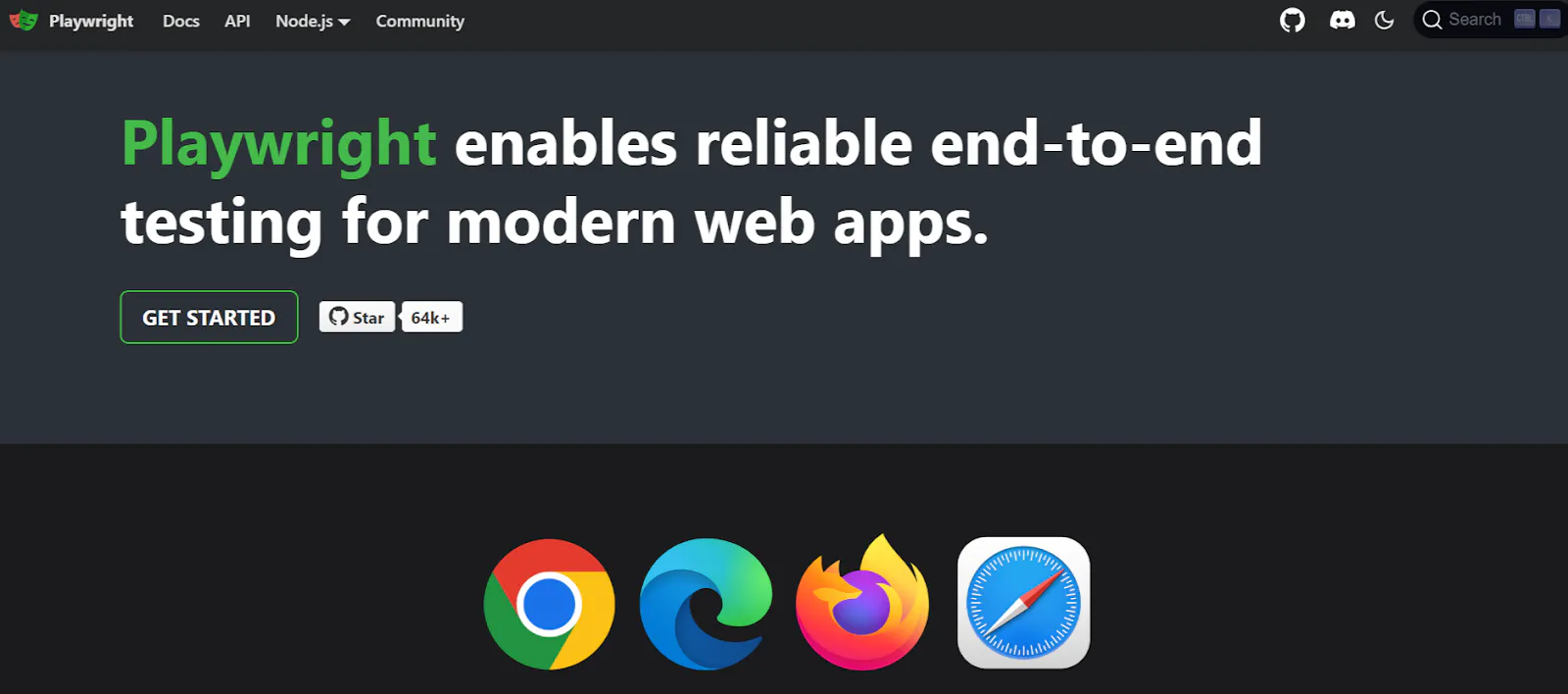
Playwright, developed by Microsoft, is a relatively new entrant. You can use a single API to automate Chromium, Firefox, Microsoft Edge, and Safari, making it great for cross-browser testing.
Here are some of its top features:
- Cross-browser support. Playwright supports multiple browsers with a single API, including headless and headful modes.
- Automatic waiting. Unlike Selenium, Playwright automatically waits for elements to be actionable before performing interactions. This improves test reliability and reduces the need for manual synchronization.
- Multiple browser contexts. It also allows for the creation of multiple browser contexts, which can be used for isolated parallel testing or simulating different users in the same browser session.
Playwright fits projects that need consistent, reliable cross-browser testing. It supports modern web standards and handles asynchronous events automatically. So if you want to test modern web applications with dynamic content, that won't be an issue.
For extra information on moving from Selenium to Playwright, check out our migration guide.
Puppeteer
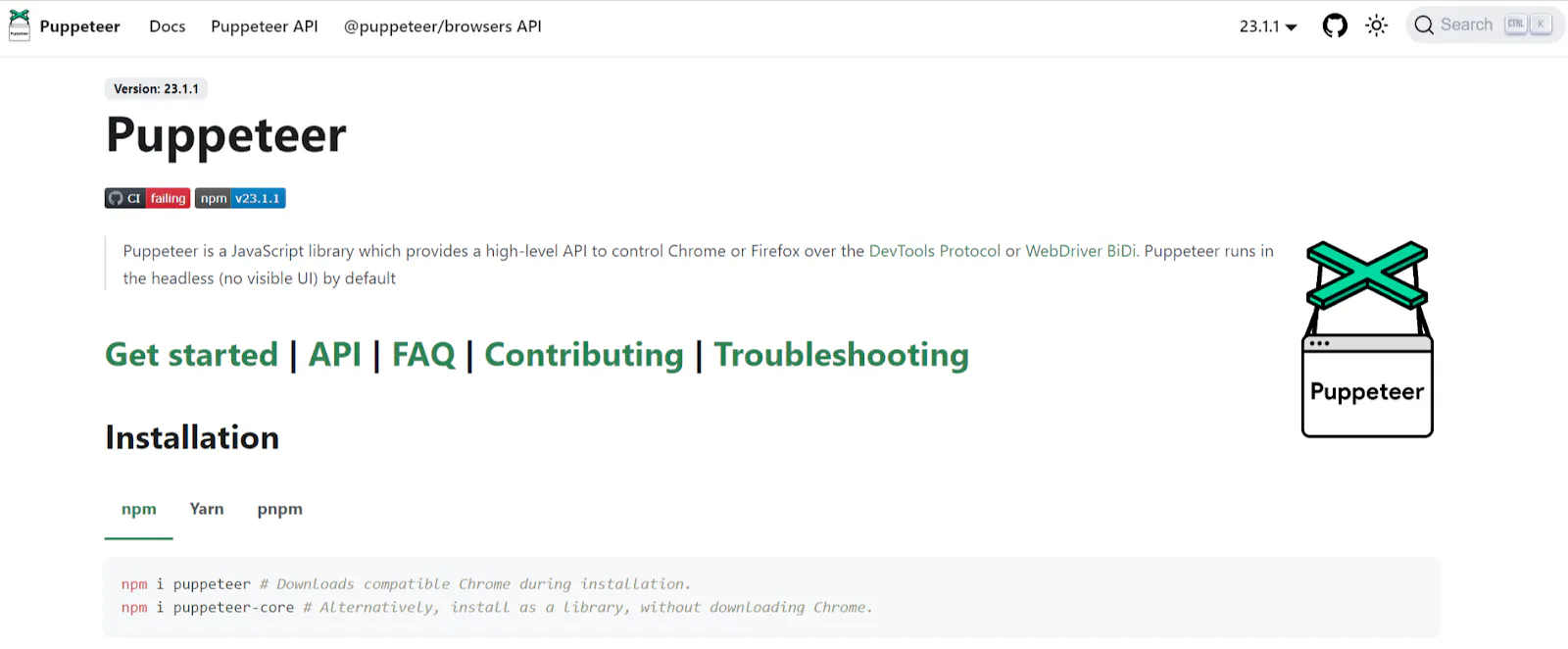
Puppeteer is a Node.js library developed by Google that provides a high-level API to control Chrome or Chromium. Most developers use it for headless browser automation, but it can also be configured to run in full (headful) mode.
Here are its top features:
- Headless browser automation. Puppeteer excels in headless browser testing, making it ideal for scenarios where speed and resource efficiency are crucial.
- Screenshot and PDF generation. Puppeteer can capture screenshots and generate PDFs of web pages. It works well if you want to generate content previews or automate reporting.
- Better control over browser behavior. You also get fine-grained control over the browser, including network request interception. This is useful for testing and web scraping applications.
This framework works well for tasks that involve headless browser automation, such as web scraping, generating pre-rendered content for SPAs, and automating testing of Chrome-based applications. It has tight integration with Chrome, but cross-browser support is limited. Firefox is supported via WebDriver BiDi, and Microsoft Edge works because it's Chromium-based.
Cypress
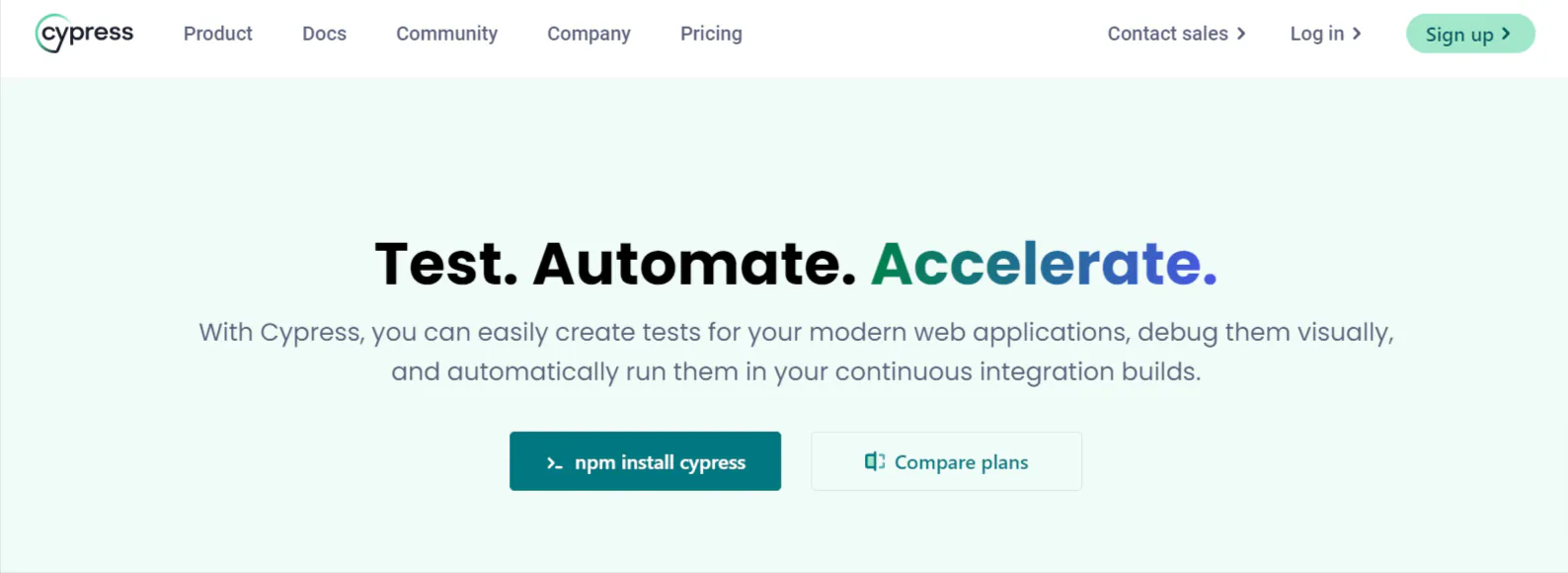
Cypress is a JavaScript-based end-to-end testing framework that has gained popularity due to its ease of use and developer-friendly features. It's built with a strong focus on providing a seamless testing experience.
Here are some of its best features:
- Time travel debugging. Cypress records test execution, letting developers go back and see what happened at each step.
- Automatic waiting. It automatically waits for elements to appear and actions to complete, reducing the likelihood of flaky tests.
- Built-in test runner. The framework includes a powerful test runner that allows you to see test execution in real-time and interact with the running application.
Cypress works well for front-end testing, component testing, and unit testing of UI logic, with quick developer feedback. You can layer visual testing plugins on top to catch visual regressions.
WebdriverIO
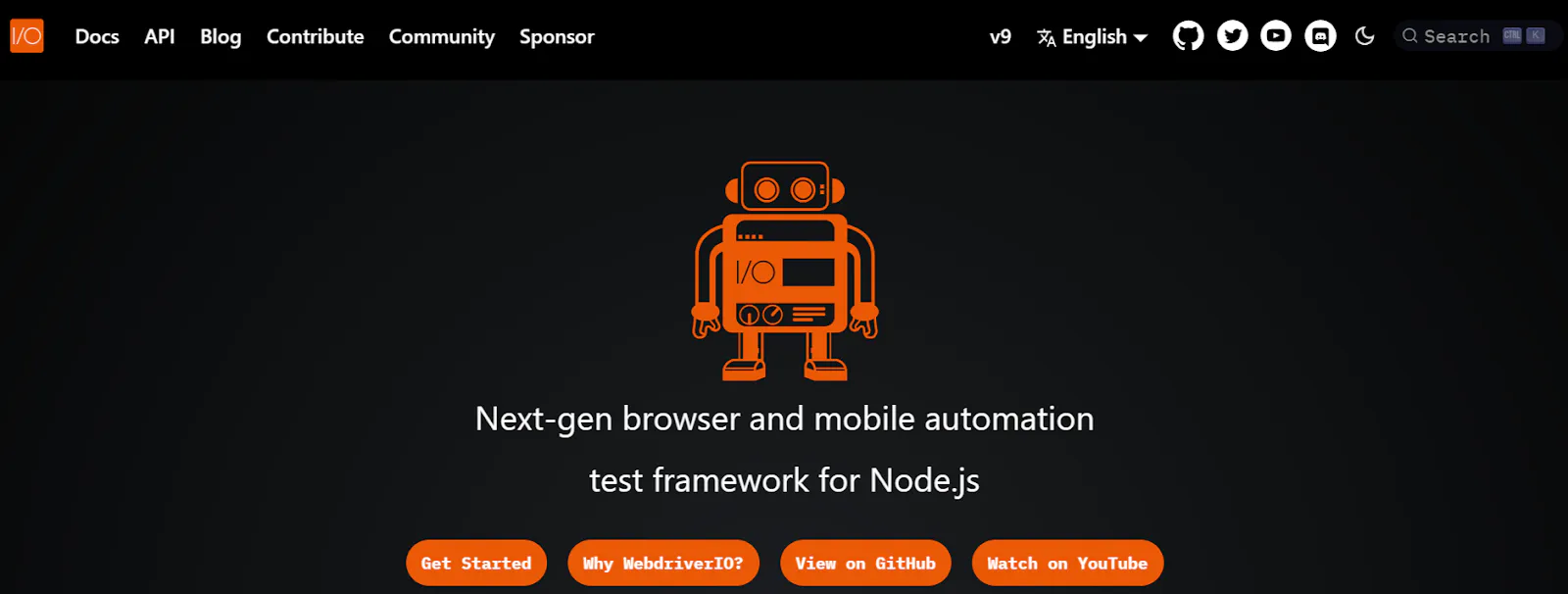
WebdriverIO is an open-source automation testing framework for web and mobile applications. It's built with JavaScript and runs on Node.js. If you're using frameworks like React, Angular, and Vue.js, it provides a powerful interface for test automation.
Here are its best features:
- Extensive plugin ecosystem. WebdriverIO supports a wide range of plugins and can be bundled with plugins like Allure Reporter, Junit Reporter, and Spec Reporter.
- Mobile testing support. It can automate both native and hybrid mobile applications on iOS and Android. This lets you conduct comprehensive testing on real devices and emulators.
- Custom commands and hooks. You can extend WebdriverIO's functionality by customizing it, which enables code reusability.
If you need comprehensive end-to-end testing across mobile and web platforms, choose WebDriverIO. It suits large enterprise environments that need broad test coverage across web testing, mobile, and API testing inside one framework.
Nightwatch
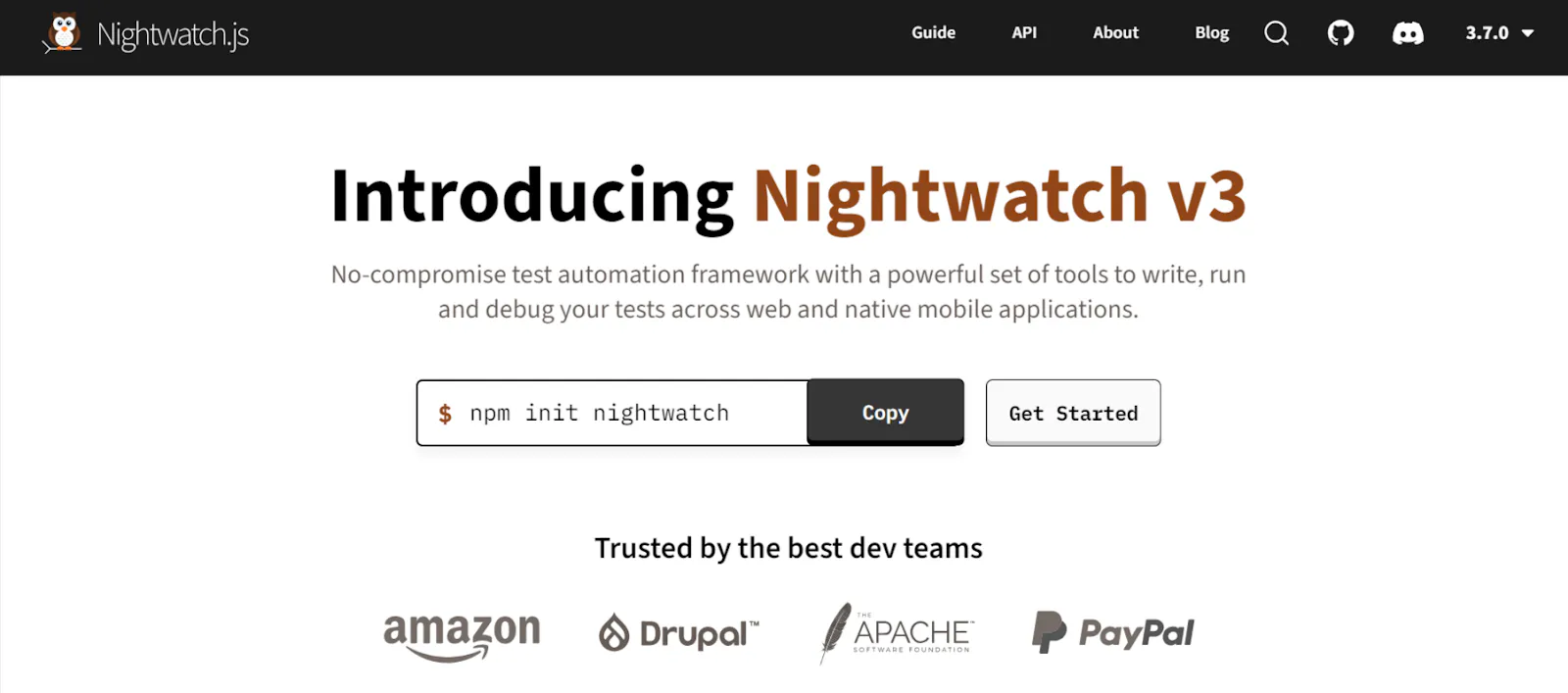
Nightwatch is a testing framework built on top of Selenium. That means it sits on top of the W3C WebDriver API and communicates with the browser using the WebDriver protocol. It was designed to simplify the process of writing and running tests by providing a more developer-friendly API.
Some of its key features include:
- Out-of-the-box functionality. Nightwatch has built-in support for assertions, automatic waiting, and parallel test execution, making it easier to set up and use than plain Selenium.
- Cross-browser testing. It's compatible with browsers that work with WebDriver and cloud testing services like BrowserStack and Sauce Labs.
- Integrated reporting. Nightwatch includes built-in reporting tools that, unlike other testing frameworks, provide detailed insights into test execution and test results.
- Selenium server control. This framework can automatically manage a standalone Selenium server, providing built-in JUnit XML reporting.
Nightwatch is a good choice for QA teams already using Selenium who want to streamline their testing processes without moving to a completely new tool. Its combination of Selenium's robustness with a more user-friendly API makes it appealing for developers and test engineers.
How to choose the right testing framework for your needs
Now that you know what Selenium alternatives exist, how do you go about choosing the right one? Here's what you need to consider:
Compatibility with current programming languages
Choosing a framework that aligns with your or your team's programming expertise will reduce the learning curve and increase adoption rates. For example, if you prefer JavaScript, choose Cypress or WebdriverIO instead, as it'll be easier to write tests and maintain them.
Some testing frameworks, including Selenium, support multiple programming languages. However, you might have to make scripting language optimizations before using them for testing, so make sure the framework you pick is compatible with your development environment.
Type of execution environment
Will you use local versus cloud environments? For example, if a framework is designed for local execution, it'll give you faster feedback during the development process. So, that'll be useful for test-driven development (TDD) or for catching regressions early on.
On the other hand, frameworks that integrate well with CI/CD pipelines work well if you're practicing continuous integration. These frameworks run headlessly, generate machine-readable reports, and integrate with popular CI tools like Jenkins, GitLab CI, or GitHub Actions.
Speed and performance
Test execution speed affects how quickly you receive feedback and overall testing efficiency. Faster test runs mean you can run tests more often, which means earlier detection of issues. Performance covers more than raw speed. It also covers how the framework uses CPU and memory. If it's efficient with CPU and memory usage, you can run parallel tests at scale, reducing infrastructure costs.
Data-based testing capabilities
A robust framework should offer straightforward ways to parameterize tests. This capability lets you easily run the same test cases with multiple sets of data. It could involve reading test data from external sources like CSV files, databases, or APIs.
Some frameworks also provide data providers or fixtures, which makes it easier to organize and manage test data. You can also separate test logic from test data, ultimately allowing you to improve readability.
Configuration and setup
Look for frameworks that offer clear, step-by-step documentation for getting started. Ideally, you want support for automated setup through package managers or command-line tools, like Playwright and Puppeteer.
As your test suite grows, you may need to:
- Manage multiple configuration files.
- Share common settings across different test suites.
- Dynamically adjust configurations based on runtime conditions.
So, choose a framework like Playwright or Cypress that makes this easier.
Community support and documentation
An active community matters. Frameworks with engaged contributors give you faster answers when you hit a wall. You ramp up quickly because real people are around to help. For instance, both Playwright and Puppeteer have active Slack channels and GitHub repositories where you can interact with other developers and get answers to your most pressing questions.
Also, check if these frameworks have good documentation and readily available third-party tools. If not, troubleshooting later will be tough.
Project governance
You want to pick a framework with the potential for long-term stability.
In this case, it's always best to choose an open-source tool, as it's cost-effective and always improving thanks to community contributions.
A clear direction indicates a mature project, and you'll be able to use it for a long time.
Conclusion
Whether or not you decide to switch from Selenium depends on your project needs and internal team's expertise. In either case, make sure you critically evaluate every aspect of your project and testing workflow and see if using a Selenium alternative actually makes sense for your business.
If you decide to switch to Playwright or Puppeteer for browser automation, check out how Browserless can help. You can sign up for free and run your first script in minutes. Here are a few resources to get you started:
- Migrating from Selenium to Playwright
- Playwright vs. Puppeteer | Which one to choose for browser automation?
- Keep Puppeteer Browsers Alive With Our Reconnect API
Selenium alternative FAQs
Is Playwright a real Selenium alternative?
Yes. Playwright covers the same core job as Selenium (driving real browsers for test automation) but with automatic waiting, a single API across Chromium, Firefox, WebKit, and Edge, and a much smaller flake rate out of the box.
Why are teams replacing Selenium in 2026?
The main reasons are test reliability (fewer flaky tests), faster local feedback, built-in features like screenshots and tracing, and tighter CI/CD integration. Most teams also want a single test automation tool that covers UI testing, API testing, and component testing without bolting on extra libraries.
Which Selenium alternative is best for JavaScript teams?
If your stack is JavaScript or TypeScript, Playwright and Cypress are the strongest fits. Playwright handles cross-browser testing and parallel tests at scale, while Cypress gives you a richer in-browser debugging loop for front-end and component testing.
Which Selenium alternative is best for regression testing?
For regression testing across many browsers, Playwright and WebdriverIO are the strongest picks. Both support parallel test execution, broad browser coverage, and integration with GitHub Actions and other CI/CD pipelines, which keeps regression suites fast even as test coverage grows.
Can I run Selenium alternatives in the cloud?
Yes. You can run Playwright, Puppeteer, and WebdriverIO against managed browser infrastructure instead of spinning up your own Selenium Grid. Browserless gives you that infrastructure on demand, with parallel execution and reconnects baked in.
Do Selenium alternatives support self-healing tests?
Most open-source Selenium alternatives don't ship self-healing locators out of the box, but you can layer them on with plugins like Healenium for Selenium or third-party tools that retry against fallback selectors. Self-healing reduces maintenance by cutting test fails caused by minor UI changes, which keeps your test suite green between release cycles.
How do Selenium alternatives reduce maintenance?
Most Selenium alternatives reduce maintenance through automatic waiting, better selector engines, and richer error messages. That means fewer flaky tests, fewer test fails on minor UI changes, and shorter release cycles for QA teams running large test suites.
Are Selenium alternatives free?
Playwright, Puppeteer, Cypress, WebdriverIO, and Nightwatch are all open-source tools. You pay only when you add a hosted runner or a cloud testing service such as Browserless, BrowserStack, or Sauce Labs.