
TL;DR
- Cloud scraping refers to running your extraction jobs on remote servers instead of your own laptop – this guide shows you how, then compares 11 tools that do it.
- Follow a working example that pulls real data from a page in the cloud, using Browserless so you skip installing a local browser entirely.
- See 11 tools split across browser automation, proxy networks, no-code builders, and AI-agent-ready extraction, each with a pros and cons table.
Introduction
Cloud scraping involves running full, stealth-capable browser sessions somewhere other than your laptop, with proxy rotation and JavaScript rendering – necessary tools when scraping modern websites – handled for you instead of stitched together by hand.
This guide starts with a working example: how you can actually scrape a page with real code you can run today.
From there, we share a comparison of 11 tools split across four categories, so once you know what a good setup looks like, you can match a specific tool to the job.
What is cloud-based web scraping?
Cloud-based web scraping is the process of running the browser or HTTP requests that do your actual web data extraction on remote infrastructure you don't manage yourself, rather than a script tied to your own machine. The job moves off your laptop and onto servers built to run it continuously, at whatever scale you need.
Local web scraping, by comparison, usually means running scripts on your laptop.
Three things typically come bundled with a cloud-based setup:
- Elastic scaling, so you can run one job or a thousand without provisioning hardware yourself.
- Managed proxy rotation spreads your requests across many IP addresses so a single blocked address doesn't stall the whole job.
- JavaScript rendering runs a full browser engine so pages that build their content client-side return real data instead of an empty shell.
Most platforms authenticate every request with an API key or token tied to your account, whichever term the specific tool happens to use.
According to Mordor Intelligence's web scraping market report, cloud deployments already account for the majority of the web scraping market and are growing faster than on-premise setups.
Cloud scraping: a working example
There are two things you need here regardless of which tool ends up running your job: a real browser session that can get past the anti-bot systems modern sites run, and somewhere to run that session other than your own machine. Browserless handles both.
Scrape a page with a single API call
The simplest path skips writing browser automation code at all.
Browserless's /scrape REST endpoint takes a URL and a list of CSS selectors, renders the page in a real headless browser, waits for the JavaScript to finish running, and returns structured JSON:
curl --request POST \
  --url 'https://production-sfo.browserless.io/scrape?token=YOUR_API_TOKEN_HERE' \
  --header 'content-type: application/json' \
  --data '{
    "url": "https://browserless.io/",
    "elements": [
      { "selector": "h1" }
    ]
  }'
That single call replaces what would otherwise be a browser launch, a page navigation, a wait condition, and a selector query, all running on Browserless's infrastructure instead of yours.
If the response comes back with an empty results array, or the content looks different from what you'd see in a normal browser, that's usually bot detection rather than a broken selector. The /smart-scrape endpoint handles that escalation for you, cascading from a plain HTTP fetch to a proxy, then a full browser, then CAPTCHA solving, and telling you in the response which strategy worked.
If you'd rather make one targeted call for the hardest sites, reach for Browserless's /unblock endpoint instead. It's built for bot detection like DataDome and passive CAPTCHAs: add proxy=residential for the best results, and set content: true to get the unblocked HTML back – or screenshot, cookies, or browserWSEndpoint if you'd rather take the session over yourself.
Move an existing script to the cloud
If you already have a Puppeteer script running locally, cloud web scraping is a one-line change. Swap puppeteer.launch() for puppeteer.connect(), pointed at Browserless's WebSocket endpoint, and the rest of your automation code stays exactly as it was:
import puppeteer from "puppeteer-core";
const browser = await puppeteer.connect({
  browserWSEndpoint: "wss://production-sfo.browserless.io?token=YOUR_API_TOKEN_HERE",
});
try {
  const page = await browser.newPage();
  await page.goto("https://scraping-sandbox.netlify.app/products", {
    waitUntil: "networkidle2",
  });
  console.log("Title:", await page.title());
} finally {
  await browser.close();
}
The browser now runs on Browserless's servers instead of your local Chrome install, so your laptop closing or a deploy rolling over doesn't kill the job.
For sites that lean harder on anti-bot systems, swap the WebSocket path to /stealth – or /chromium/stealth, or /chrome/stealth for Chrome-native behavior. Stealth routes apply fingerprint mitigations and entropy injection, which helps prevent CAPTCHAs from appearing at all. When an interactive CAPTCHA still shows up, add solveCaptchas=true for Browserless to handle CAPTCHA solving in-session.
None of this makes a scraper invisible; it just removes the parts of the job that are genuinely infrastructure work rather than logic specific to your use case.
Handle dynamic content and IP blocking
Dynamic websites that load content after the initial page render are the main reason a plain HTTP request fails where a real browser succeeds: without JavaScript execution, you get the empty template, not the data that gets injected into it a moment later.
A cloud browser session solves that in its construction, since it waits for the page's own scripts to run before you pull anything out.
Proxy management is common to cloud scraping setups as it helps handle IP blocking. Rotating through a pool of IP addresses keeps one flagged address from taking down an entire scraping workflow, and it's a large part of what you're actually paying for when you use a managed datacenter proxy instead of running requests through your office connection.
If none of this appeals and you'd rather point and click your way to a working scraper without writing a request or a line of code, skip ahead to the no-code category below. It's the better starting point for that use case.
Now that we have a working method for the cloud scraping process, here's how 11 tools handle the same job, split into four categories, with Browserless included in greater detail.
11 cloud scraping tools compared
Whether you came here for the how-to or jumped straight to the comparison, here's every one of these cloud web scrapers and platforms side by side before the category-by-category breakdown.
| Tool | Category | Description |
|---|---|---|
| Browserless | Cloud browser automation and infrastructure | Cloud or self-hosted browser infrastructure for connecting existing Puppeteer, Playwright, or REST/BQL code to managed browsers. |
| Browserbase | Cloud browser automation and infrastructure | Cloud browser infrastructure built for AI agent workloads, paired with the open-source Stagehand SDK. |
| Apify | Cloud browser automation and infrastructure | Full-stack cloud platform for building and scheduling scraping and automation "Actors." |
| Bright Data | Managed scraping APIs and proxy networks | One of the largest proxy and data-collection networks in the space, with a managed Web Scraper API. |
| ScrapingBee | Managed scraping APIs and proxy networks | Scraping API bundling headless rendering, proxy rotation, and AI-powered extraction behind one endpoint. |
| Zyte (Scrapy Cloud) | Managed scraping APIs and proxy networks | Hosted platform for deploying and scheduling spiders built on the open-source Scrapy framework. |
| Octoparse | No-code cloud scraping platforms | No-code, point-and-click scraper with cloud servers for scheduled, unattended runs. |
| ParseHub | No-code cloud scraping platforms | Point-and-click scraper built to handle dynamic, JavaScript-heavy pages without writing code. |
| Web Scraper Cloud | No-code cloud scraping platforms | Cloud runner for sitemaps built visually with the free Web Scraper Chrome extension. |
| Firecrawl | AI-agent-ready extraction platforms | Open-source API that turns any page into clean markdown or structured JSON for LLMs and AI agents. |
| Diffbot | AI-agent-ready extraction platforms | AI-driven extraction API that automatically parses a page's structure into clean, fresh data. |
Cloud browser automation and infrastructure
This category runs the browser sessions underneath a scrape: real, stealth-capable Chrome instances hosted somewhere other than your machine, built to survive the anti-bot systems that a plain HTTP request never gets past.
Browserless
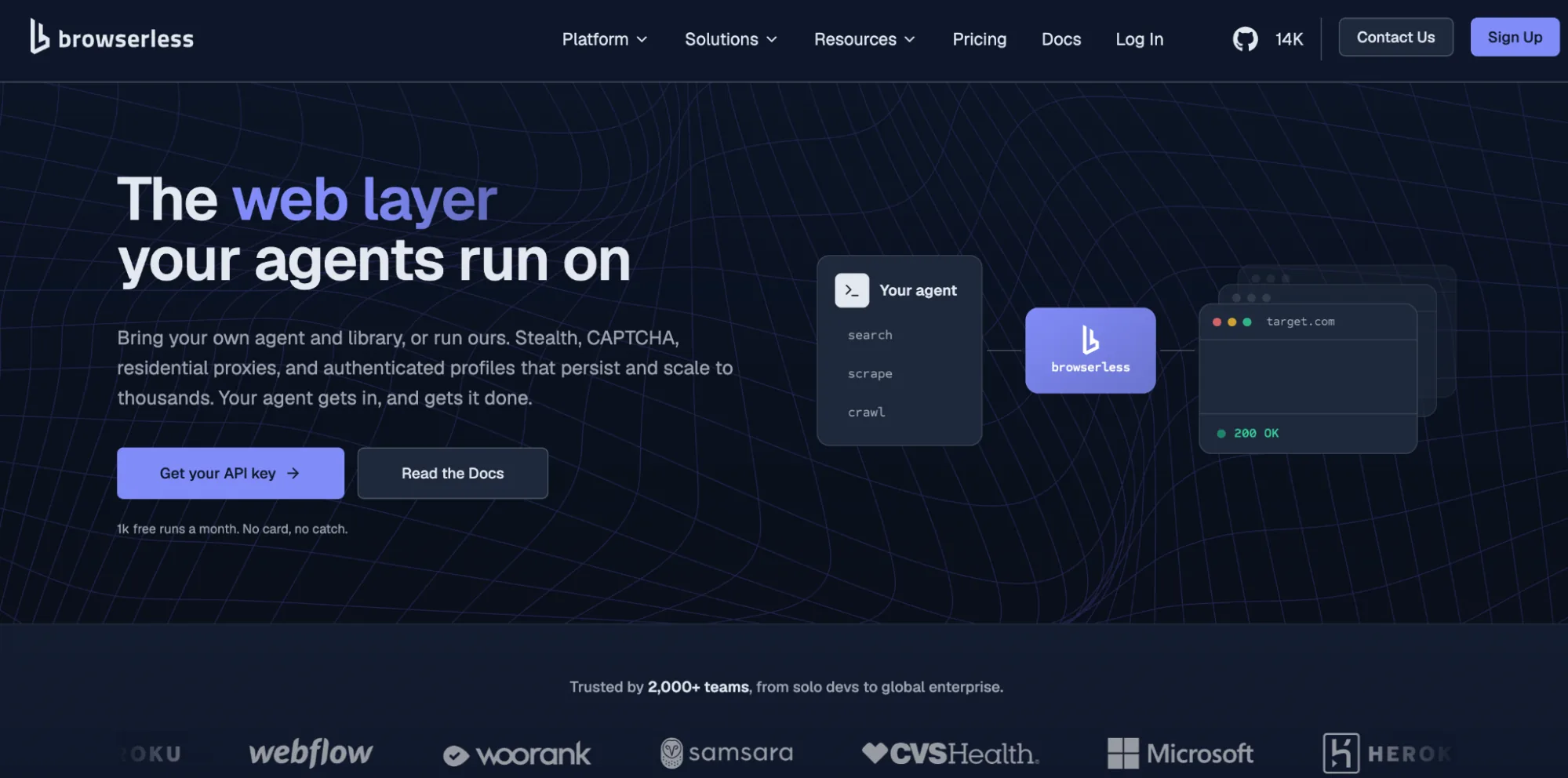
Best for: Teams whose Puppeteer, Playwright, or scraping script has outgrown a laptop and needs to run reliably when working on large-scale scraping tasks.
You've already seen above that you can point your existing Puppeteer code at Browserless's WebSocket endpoint, or skip code entirely with the /scrape REST call, and the browser runs in the cloud instead of on your machine. Swapping launch() for connect() is usually the only change required.
Where Browserless differentiates itself from the newer entrants elsewhere in this list is production history: eight years running browsers at scale and over 173 million Docker pulls.
There's also a self-hosted deployment option for teams whose compliance requirements rule out a pure multi-tenant cloud service.
It's infrastructure for someone comfortable connecting existing code, not a visual, point-and-click builder.
Features
- Connect existing Puppeteer, Playwright, or REST code with a one-line change from
launch()toconnect(). - BrowserQL (BQL), a GraphQL-based API for stealth-first automation and structured extraction in a single request.
- Built-in stealth fingerprints, CAPTCHA solving, and residential and datacenter proxy support.
- A suite of REST APIs –
/scrape,/content,/screenshot,/pdf,/crawl,/search,/mapand more – that each do one browser job in a single call. - Cloud, managed cloud, or self-hosted deployment, with SOC 2 Type II compliance for regulated teams.
- Free plan with 1,000 units a month (a unit covers up to 30 seconds of browser time) and no card required for those who want to see that the cloud-based service can collect data reliably.
| Pros | Cons |
|---|---|
| Eight years of production history behind the infrastructure | Usage-based pricing means cost scales with volume, unlike a free local library |
| One-line migration path from an existing Puppeteer or Playwright script | Assumes comfort writing or connecting code, not a visual builder |
| Self-hosted option for teams with data residency requirements | |
| Built-in stealth, CAPTCHA solving, and proxy handling | |
| Free tier generous enough to test a real workload before paying |
Browserbase
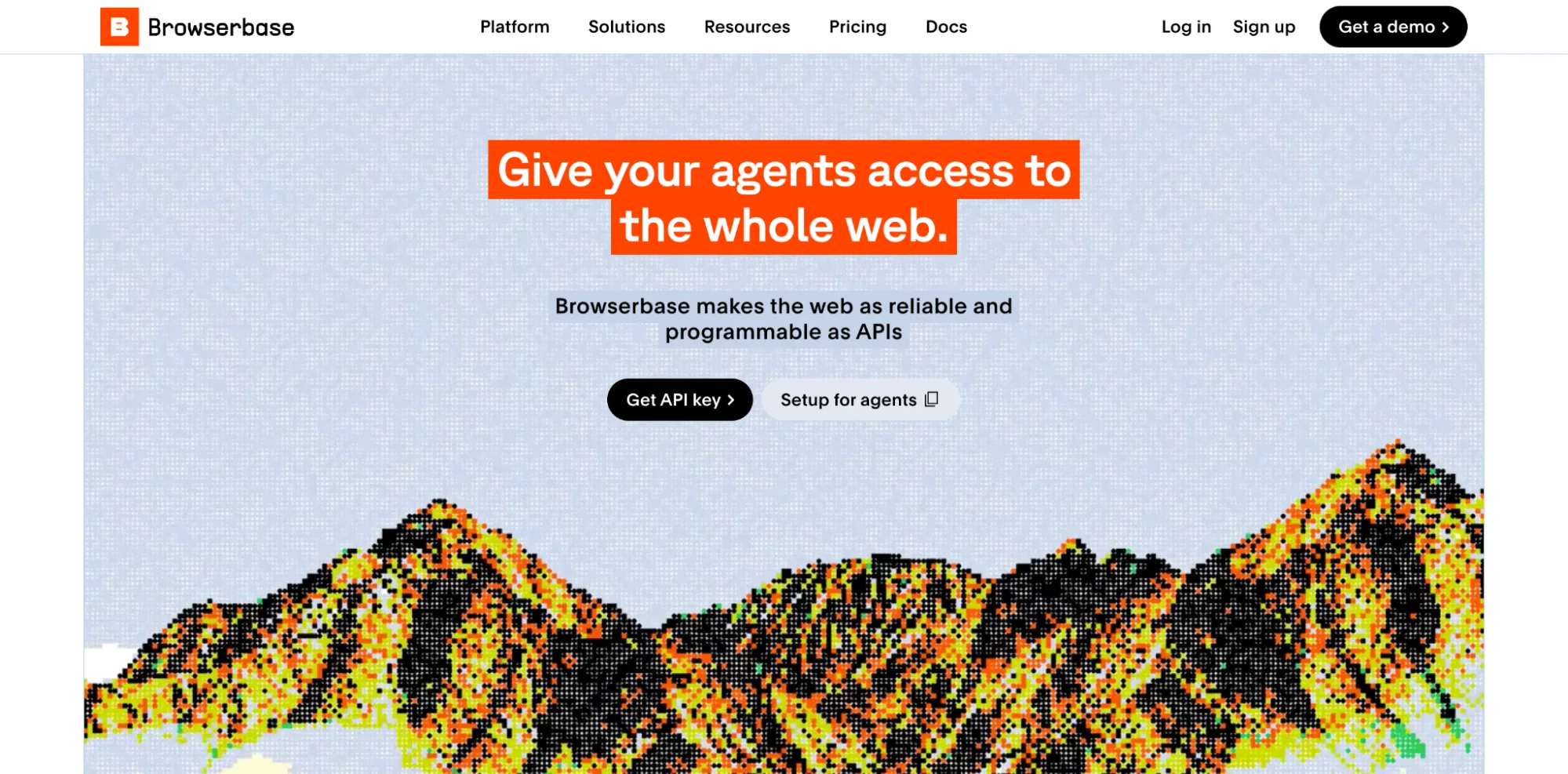
Best for: Teams building AI agent products that want managed browser sessions without running their own infrastructure.
Browserbase is cloud browser infrastructure built specifically for AI agent workloads. It gives you remote sessions your agent code reaches over the Chrome DevTools Protocol, plus a stealth mode for reducing detection friction.
Browserbase documents session recording and replay, so you can review a run after the fact instead of guessing what an agent did. Stagehand, its open-source SDK, layers natural-language actions on top, so an agent can describe what it wants done instead of relying entirely on hand-written selectors.
It's a newer platform than the general-purpose infrastructure providers in this category, which counts for less on a quick prototype and more once an agent workload is running in production at real concurrency.
We have published a side-by-side Browserless-Browserbase comparison if you're considering the two specifically.
Features
- Session recording and replay for debugging agent runs after the fact.
- Stealth mode aimed at reducing bot-detection friction.
- Stagehand SDK adds natural-language browser actions on top of raw CDP sessions.
| Pros | Cons |
|---|---|
| Purpose-built for AI agent session management | Shorter production track record than general-purpose providers |
| Stagehand's natural-language layer lowers the barrier for agent builders | Core hosted platform is closed source |
| No self-hosted option for teams with data residency requirements |
Apify
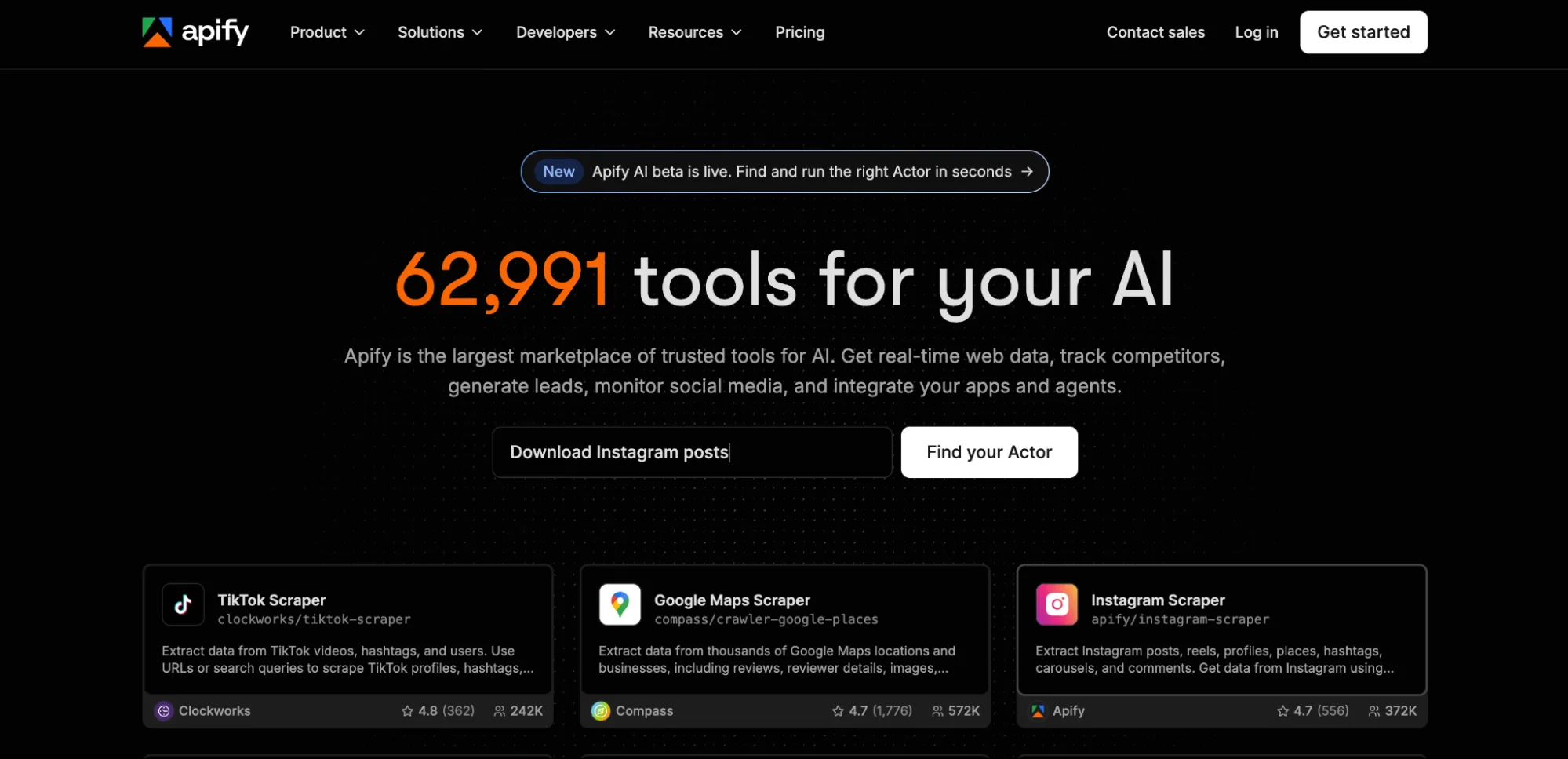
Best for: Teams that want a marketplace of prebuilt scrapers alongside room to build and schedule their own.
Apify is a full-stack cloud platform for building, running, and scheduling scraping and automation jobs, called Actors, with a large library of ready-made templates covering common sites and tasks.
The open-source Crawlee library handles the crawling logic itself, with support for Puppeteer, Playwright, Cheerio, and raw HTTP requests depending on how much browser overhead a given job actually needs.
That breadth comes with a cost. Heavy, continuous usage on Apify's platform adds up faster than a connect-your-own-code model like Browserless's, and teams that already have automation written sometimes find themselves paying for platform features they don't use.
We have a direct Browserless-Apify comparison for teams weighing the two. It's a strong fit when the marketplace of existing Actors saves real build time, less so when you just need somewhere to run code you've already written.
Features
- Marketplace of prebuilt Actors for common scraping and automation tasks.
- Crawlee, an open-source crawling library supporting Puppeteer, Playwright, Cheerio, and raw HTTP.
- Actors can be triggered manually, on a schedule, or through third-party integrations.
- Built-in proxy management and result storage alongside the compute layer.
| Pros | Cons |
|---|---|
| Large template library cuts initial build time for common jobs | Priced per compute unit and per Actor run, so continuous crawls can cost more than a bring-your-own-code model |
| Works with several scraping approaches through one platform | Some platform overhead if you only need to run existing code |
| Strong integrations with third-party tools and services |
Managed scraping APIs and proxy networks
This category leads with the network layer: proxy pools and IP rotation first, usually paired with a scraping API that wraps headless rendering around them so you're not managing either part by hand.
Bright Data
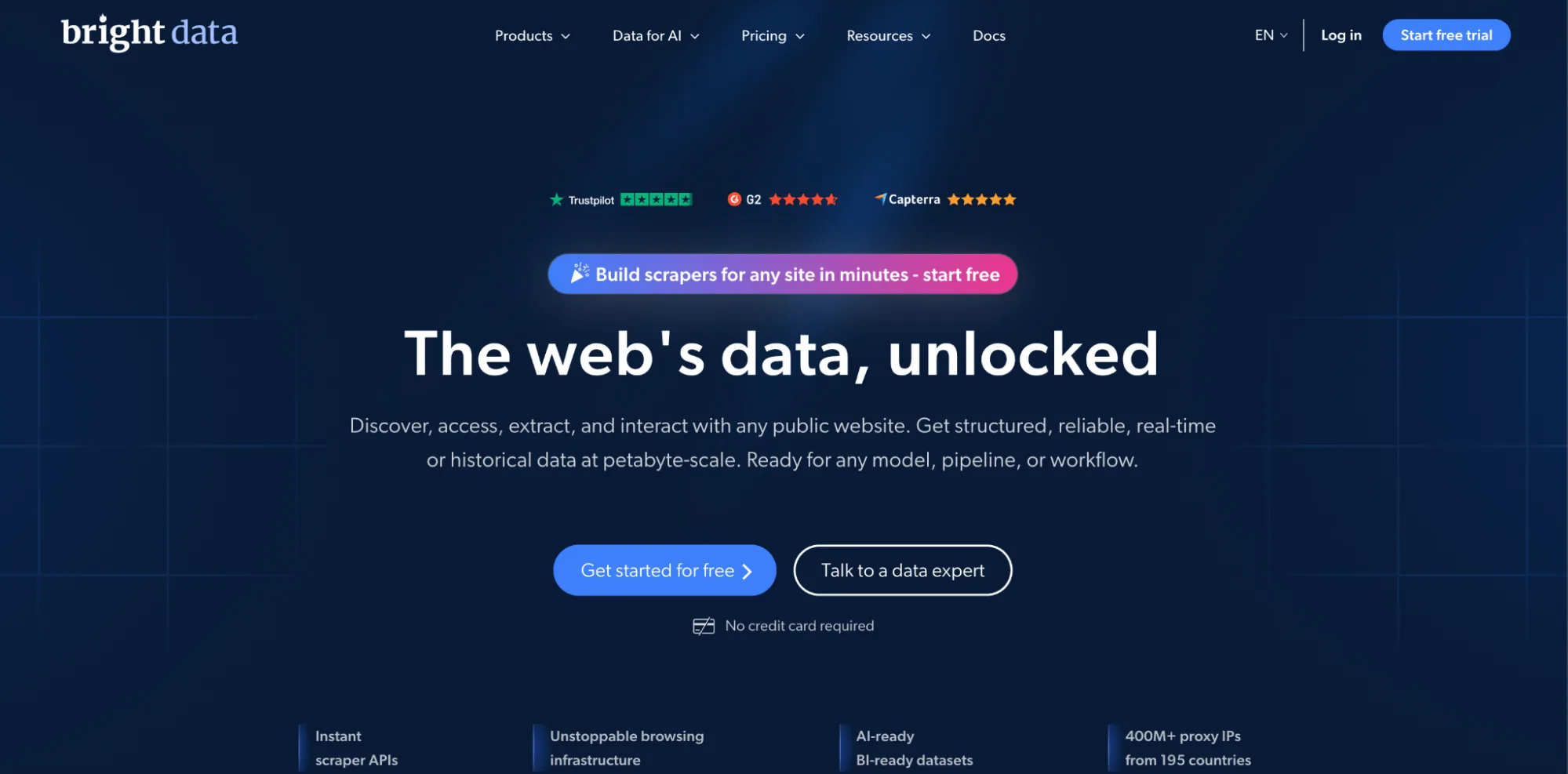
Best for: Enterprises that need the largest available proxy network alongside a managed unlocking layer.
Bright Data runs one of the largest proxy and data-collection networks in this space, pairing a large residential and datacenter IP pool with a Web Scraper API that handles the unlocking work on top of that raw proxy access.
Page rendering and CAPTCHA clearing happen automatically, and failed requests retry on their own instead of stopping the job. For teams that need geographic coverage across many countries or extremely high request volume, Bright Data offers scale.
It's also priced and positioned for that scale, which can make it a heavier commitment than teams with smaller, more predictable workloads actually need.
We have a direct Browserless-Bright Data comparison for teams weighing raw proxy-pool scale against a developer-first browser API.
One Browserless customer, Takeoff, has written about switching away from Bright Data over reliability and cost as their volume grew, which is worth reading if you're evaluating the two head-to-head.
Features
- One of the largest residential and datacenter proxy networks available commercially.
- Web Scraper API handles unlocking, rendering, and retries on top of raw proxy access.
- Broad country and city-level IP targeting for geographic coverage.
- Dashboard-based usage monitoring across large, distributed scraping operations.
- Prebuilt scraper templates for common target sites alongside the general-purpose API delivery functionality.
| Pros | Cons |
|---|---|
| Unmatched proxy pool size and geographic coverage | Pricing and complexity scale toward enterprise workloads |
| Managed unlocking removes a lot of manual CAPTCHA handling | Smaller teams may pay for scale they don't need |
| Established player with a long operating history |
ScrapingBee
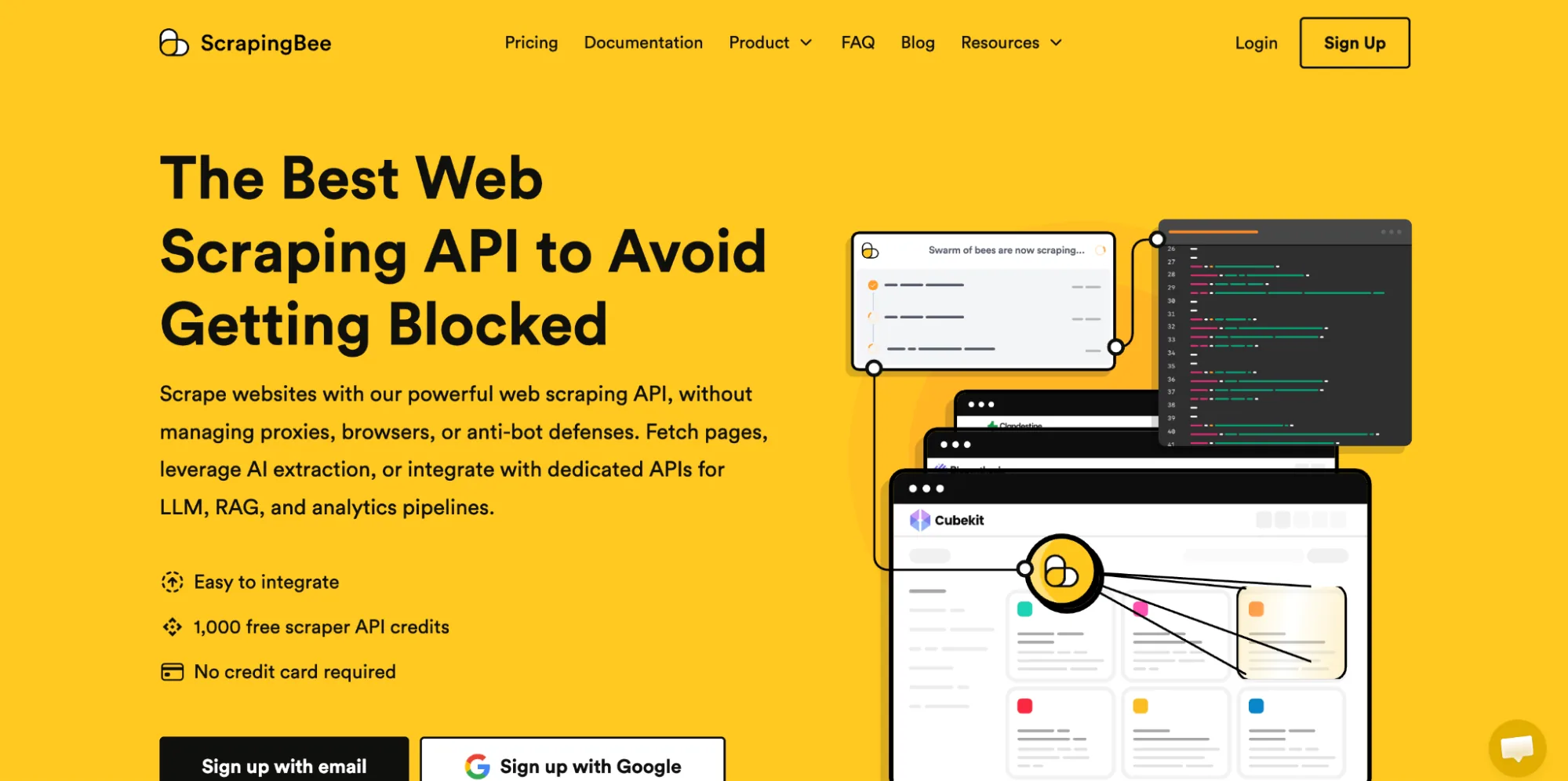
Best for: Developers who want one scraping API that handles rendering and proxy rotation without managing infrastructure.
ScrapingBee wraps headless browser rendering, automatic proxy rotation, and an AI-powered data extraction feature behind a single API endpoint, making it useful to developers who want a straightforward integration.
You send a URL, optionally describe what you want extracted in plain language, and get structured, scraped data back.
The catch shows up in the pricing model: heavier rendering tasks consume more credits, so cost is tied closely to how JavaScript-heavy the target pages are rather than a flat per-request rate. Browserless has published a direct ScrapingBee comparison covering that in greater detail.
Features
- AI-powered extraction alongside traditional CSS/XPath selectors.
- Automatic proxy rotation and IP management on every request.
- JavaScript rendering for dynamic, script-heavy target web pages.
| Pros | Cons |
|---|---|
| Simple, developer-friendly single-endpoint API | Credit-based pricing rewards lighter, non-rendered requests |
| AI extraction reduces manual selector maintenance | Closed-source platform with no self-hosted option |
| Client libraries across several languages speed up integration |
Zyte (Scrapy Cloud)
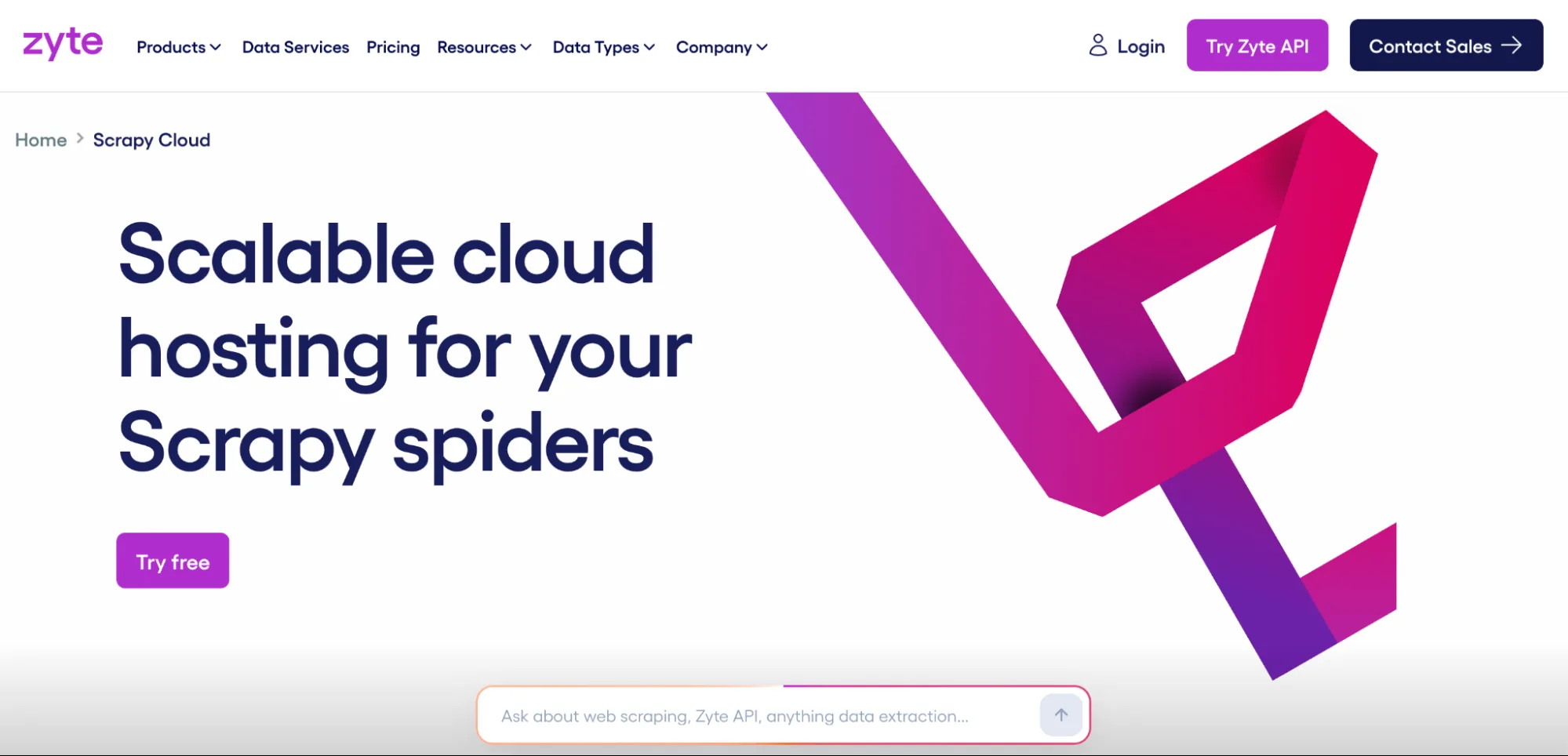
Best for: Python developers already writing Scrapy spiders who want to stop managing the servers those spiders run on.
Scrapy Cloud is Zyte's hosted platform for deploying, scheduling, and monitoring spiders built with the open-source Scrapy framework – one of the older and more widely used crawling frameworks in the Python ecosystem. Instead of running your own server to host spiders and store their output, Scrapy Cloud handles deployment, scheduling, and log monitoring.
Whether or not that is convenient depends on how comfortable you are with Scrapy itself. There's no point-and-click builder here. You still write spiders in Python; Scrapy Cloud just removes the server management around them, and costs can climb quickly on large, continuous crawls.
Browserless has published a direct Zyte comparison for teams deciding between a Scrapy-first host and a browser endpoint they can point existing code at.
Features
- Hosts and schedules spiders written with the open-source Scrapy framework.
- Centralized log monitoring across many scheduled crawl jobs.
- Integrates with Zyte's own proxy and unlocking API for harder-to-reach sites.
- No vendor lock-in on the spider code itself, since Scrapy runs anywhere.
| Pros | Cons |
|---|---|
| No lock-in: Scrapy code migrates to other hosts if needed | Requires existing Python and Scrapy familiarity |
| Solid logging and scheduling for large crawl operations | Large-scale crawls can get expensive quickly |
| Tuned for Scrapy; other frameworks need a custom Docker image |
No-code cloud scraping platforms
These platforms trade direct code for a visual, point-and-click builder, specifically for non-technical users who need a working scraper without having to become their team's cloud-scraping expert.
Octoparse
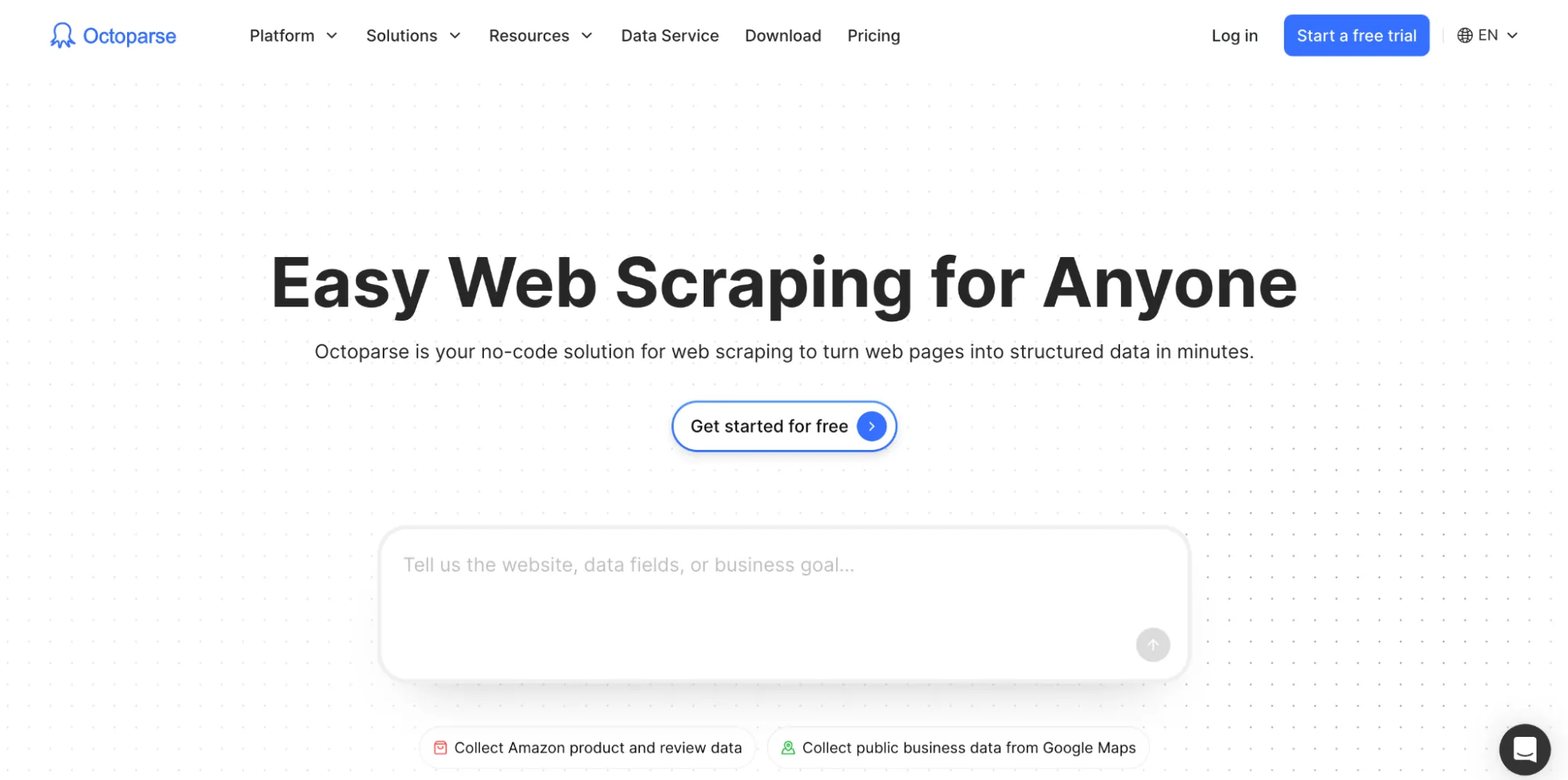
Best for: Non-technical users who want a scheduled, unattended scraper without writing any code.
Octoparse is a no-code, point-and-click cloud scraping platform: you select the data you want directly on the page, and it turns those clicks into a repeatable extraction task that runs on Octoparse's own cloud servers.
An AI-assisted setup helps identify list and table structures automatically, speeding up the creation of a new task on an unfamiliar site.
It's a genuinely accessible starting point for someone without a developer on hand, though very large datasets or heavily dynamic, script-driven pages can be harder to configure reliably than on the API-first tools earlier in this guide, and pricing climbs as concurrent tasks and cloud runtime increase.
Features
- Point-and-click task builder with AI-assisted field detection.
- Cloud servers for scheduled, unattended scraping runs.
- Export to Excel, CSV, JSON, or directly into a database.
- Prebuilt templates for popular target websites.
| Pros | Cons |
|---|---|
| No coding required to build a working scraper | Struggles more on very large or highly dynamic sites |
| Scheduling and cloud runs included without extra setup | Paid plans needed for meaningful concurrency |
| Free plan available to test before committing |
ParseHub
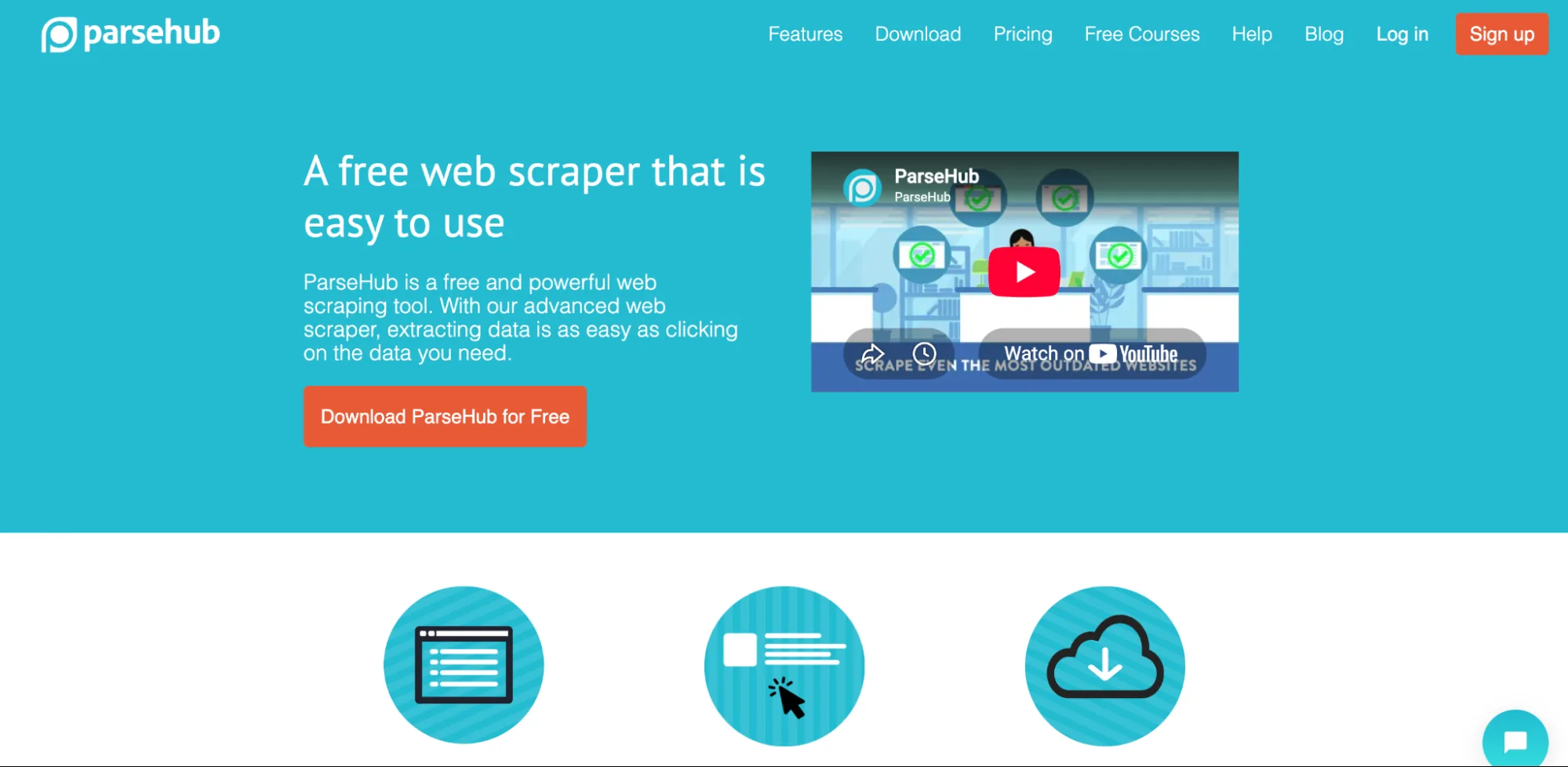
Best for: Non-technical users whose target pages are heavily dynamic or JavaScript-driven.
ParseHub is a point-and-click scraper built with an explicit focus on dynamic, JavaScript-heavy pages, enabling you to select elements visually even when the underlying content loads asynchronously after the initial page render. That focus makes it a reasonable pick when the simpler no-code tools above start missing content on a target site.
The tool has a narrower API surface than Octoparse or the API-first tools, which could become an issue if you need to integrate the output somewhere else automatically. Scrapers built inside ParseHub's interface don't export to another platform if you outgrow it.
Features
- Point-and-click selection that handles asynchronously loaded content.
- Scheduling for recurring scrapes without manual restarts.
- Export to CSV, JSON, Google Sheets, or Tableau.
| Pros | Cons |
|---|---|
| Handles dynamic content well without writing selectors | Narrower API than dedicated developer-first platforms |
| Multiple export destinations built in | Scrapers don't migrate to another platform if you switch |
Web Scraper Cloud
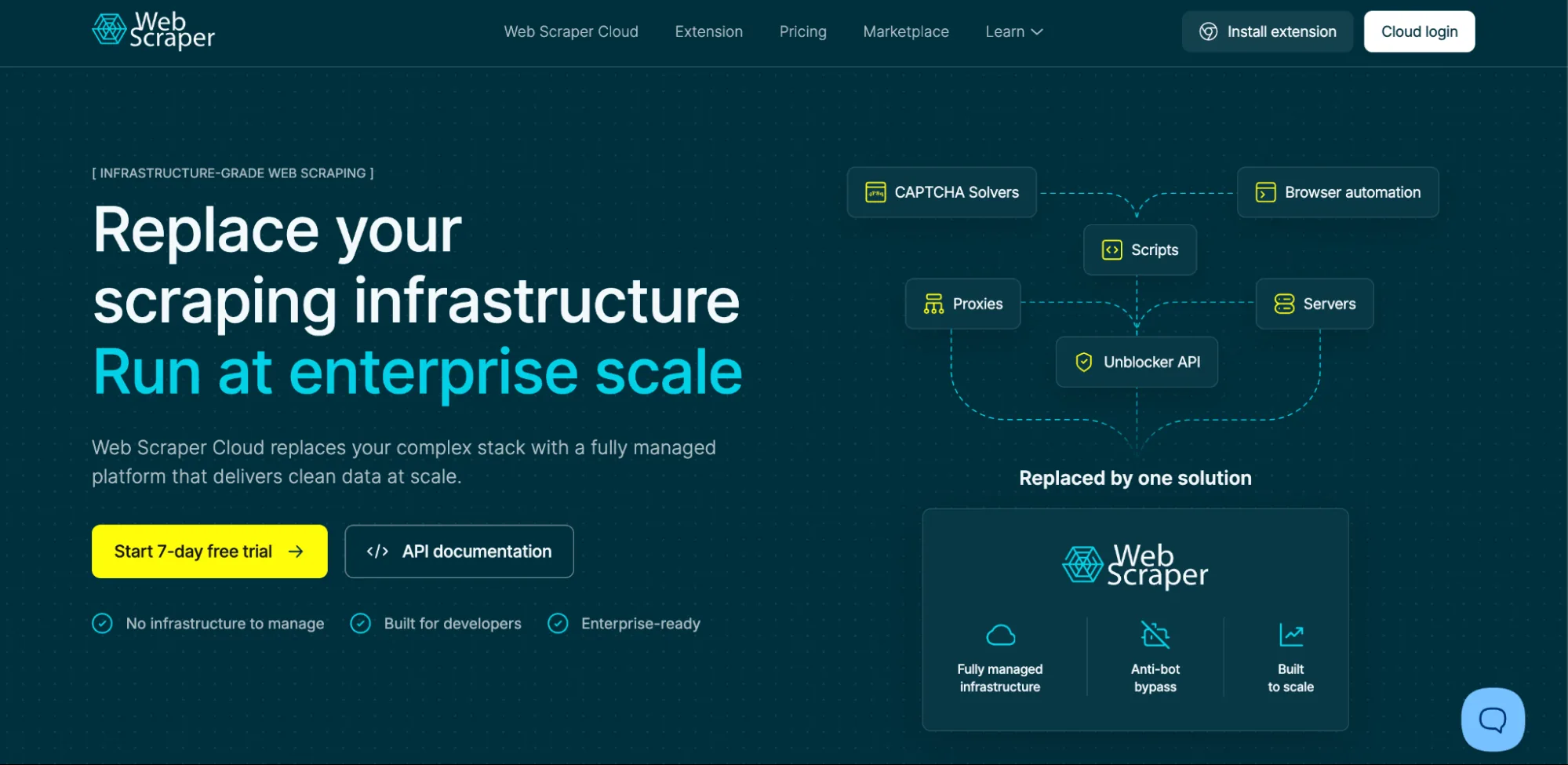
Best for: Anyone already using the free Web Scraper Chrome extension who wants the same setup to run unattended.
Web Scraper Cloud is the hosted runner for "sitemaps," the reusable scrape definitions built visually with the free Web Scraper Chrome extension.
It's a relatively short step from using a sitemap you already built in the extension to managing scheduled cloud runs, with managed proxies and CAPTCHA bypass handled for you.
However, you're buying scraper slots and a visual builder rather than a programmable browser, so anything that needs custom code has to move elsewhere.
Features
- Runs sitemaps built visually in the free Chrome extension, without rewriting them for the cloud.
- Scheduled, unattended runs on Web Scraper's own cloud infrastructure.
| Pros | Cons |
|---|---|
| Free Chrome extension to build sitemaps, plus a 7-day trial of the cloud runner | Sitemap-based builder, so anything needing custom code has to move to a programmable platform |
| Familiar to anyone who already uses the Chrome extension | Less flexible than a dedicated API or infrastructure platform |
| Priced per scraper slot, which has downsides compared to per-request or per-session billing |
AI-agent-ready extraction platforms
The tools above run browsers and sessions; this category shapes what comes out of them, turning fetched pages into data a large language model can consume directly rather than a spreadsheet or a database – Browserless also offers powerful AI agent browser automation.
An AI agent still needs a real browser under it to reach a page in the first place; these platforms handle what happens to the content once it's fetched, whether the consumer on the other end is a script, an AI agent, a machine learning tool, or an MCP client.
Firecrawl
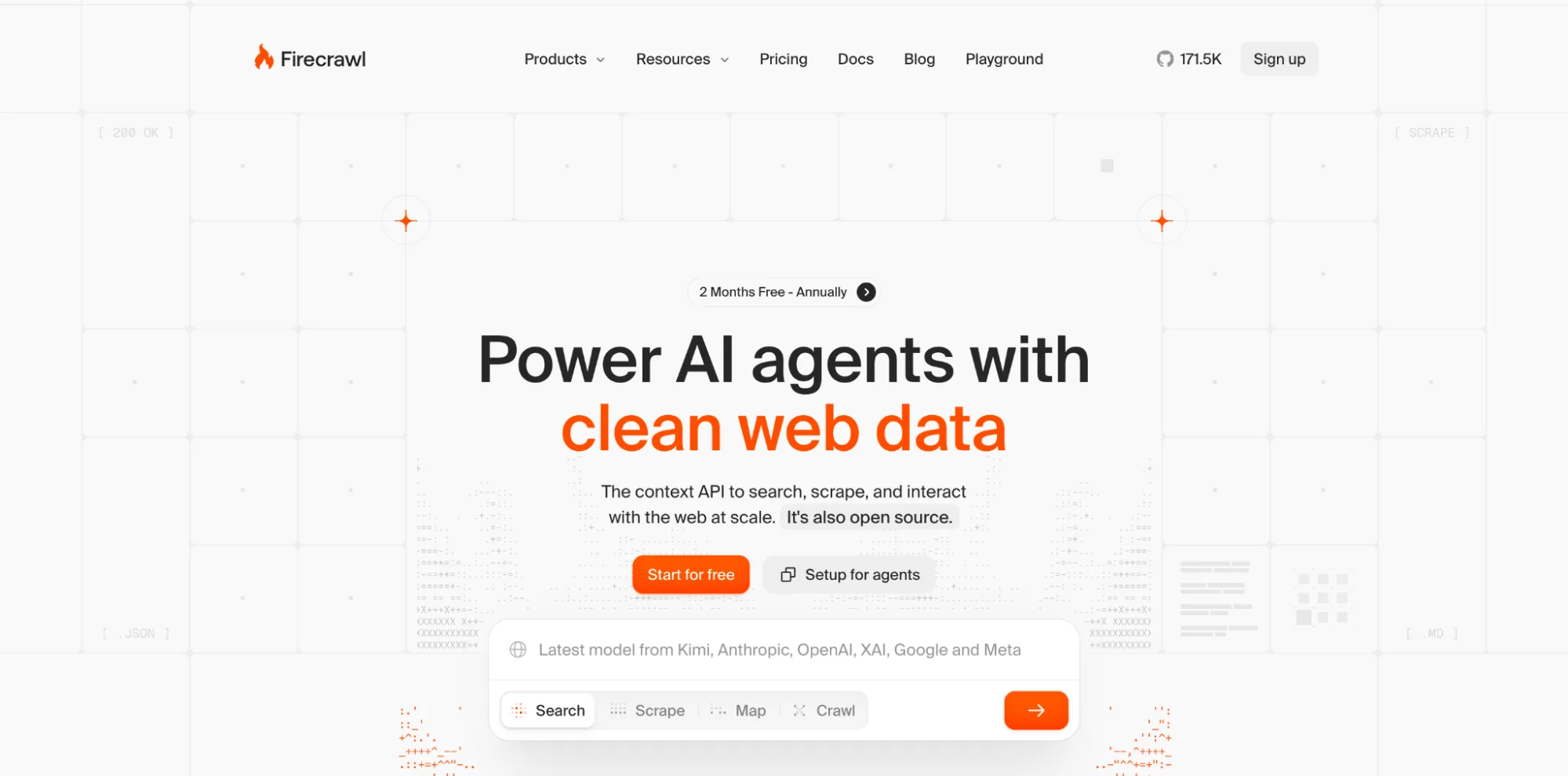
Best for: Teams feeding scraped content into an LLM, a RAG pipeline, or an AI agent that expects clean markdown or structured JSON.
Firecrawl is an open-source API purpose-built to turn any page into clean markdown or structured JSON shaped for language models to consume directly.
Navigation and ad boilerplate get stripped out automatically, so your pipeline receives clean content instead of raw HTML you'd otherwise have to parse yourself. Instead of extracting fields with selectors, you describe the structure you want and let the underlying model fill it in.
The project moves fast, so pinning versions counts for more here than with a more mature, slower-moving framework.
We have a direct Browserless-Firecrawl comparison for teams weighing clean, LLM-ready output against reaching pages behind logins and bot protection in the first place.
Features
- Converts any page directly into clean markdown or structured JSON for LLM consumption.
- Crawl mode follows links across a site, not just a single page.
- Schema-based extraction, where you describe the fields you want instead of writing selectors.
- Open-source core with a hosted API for teams that don't want to run it themselves.
- Active, fast-moving development given how new the AI-agent-ready extraction category is.
| Pros | Cons |
|---|---|
| Output shaped specifically for LLM and RAG pipelines | Fast-moving project; pin versions to avoid surprise changes |
| Open source, so you can self-host the core if needed | Younger project than the established extraction APIs |
| Schema-based API cuts integration time versus hand-rolled parsing | Not useful for pipelines that are not AI-focused |
Diffbot
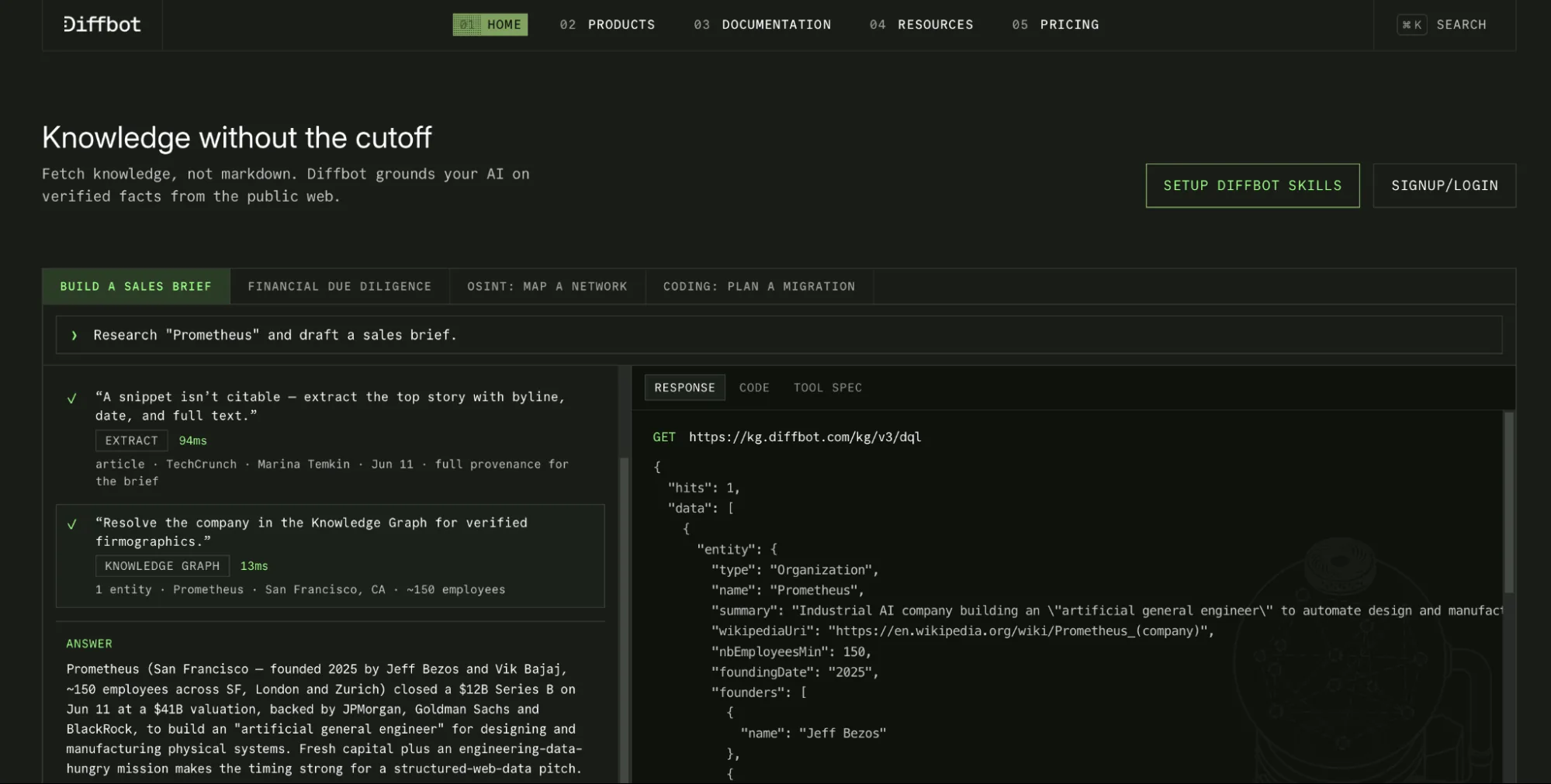
Best for: Enterprises that want automatic, structured extraction at scale without maintaining extraction rules per site.
Diffbot uses an AI-driven extraction API that automatically parses a page's semantic structure, identifying articles, products, or discussions without you writing per-site rules.
If the automatic classification doesn't fit a particular target, a custom extractor covers the gap, but most of the benefit of the tool is in not needing one for the majority of common page types.
That automation comes at a higher price point than the no-code tools above, and you get less control when the shape of the output needs to change frequently across many different site templates.
Features
- Automatic page-type classification (articles, products, discussions, and more) without manual rules.
- Custom extractor option for pages the automatic classifier doesn't fit.
- Multi-language support for extracting non-English content.
| Pros | Cons |
|---|---|
| Little manual setup required across many different sites | Higher price point than the no-code platforms above |
| Strong fit for large, varied enterprise extraction workloads | Less control than hand-written rules when output needs to change often |
| Custom extractors add setup time the fully automatic path skips |
Conclusion
Cloud scrapers have evolved into a catalog of options, each with specific pros and cons.
The guide above walks through doing it directly, with a real browser session running in the cloud instead of on your laptop, while the 11 tools split that same job into four real categories: browser infrastructure, proxy networks, no-code builders, and AI-agent-ready extraction.
Match the category to what you're actually building, and you will find the right tool for your needs – whether you're scraping leads, monitoring competitors, feeding an LLM, or crawling your own pages.
If what you need is a real browser session that survives anti-bot systems without you having to build and maintain that infrastructure yourself, try Browserless free: 1,000 units a month (a unit is 30 seconds of browser time), no card required, and a puppeteer.connect() swap away from a script you may already have written.
Cloud scrape FAQs
Can ChatGPT do cloud scraping?
ChatGPT itself doesn't scrape the web the way a dedicated tool does. It can browse and read pages when that feature is enabled, and it can help you write scraping code, but it cannot mimic human behavior like some cloud scrapers can. It isn't a substitute for infrastructure built to run browsers and handle retries at scale.
How much does Octoparse cost per month?
Octoparse offers a free plan with limited features, with paid plans priced by how many concurrent tasks and how much cloud runtime you need. Check Octoparse's own pricing page directly for current tiers, since usage-based pricing on any platform tends to shift over time.