
TL;DR
- Open source automation involves running automation software with code that you can inspect, modify, and self-host, instead of renting a closed platform.
- It spans workflow builders, business process management (BPM) engines, IT orchestration, CI/CD pipelines, and browser automation – each category solves a different job.
- This guide covers how to roll it out in a real business, then compares 16 open source automation tools across all five categories.
Introduction
Open source automation covers a lot of ground, from a solo developer's weekend workflow in n8n to the BPMN engine processing claims at an insurance company. Businesses rely on the core software being free to run, the code being inspectable, and nothing stopping them from self-hosting it behind their own firewall instead of trusting a vendor's cloud.
This guide starts with what open source automation actually means for a business, then walks through rolling it out without repeating the mistake of treating "open source" as synonymous with "zero cost."
After that, you'll compare 16 open source automation tools across five categories: general-purpose workflow builders, enterprise workflow and business process management (BPM) engines, IT process orchestration, DevOps and CI/CD pipelines (plus open source test automation), and the browser automation infrastructure that runs underneath much of it.
What is open source automation?
Open source automation is automation software distributed under a license that makes the source code available to read, modify, and redistribute, rather than shipped as a closed product you can only access through a vendor's hosted platform.
That definition covers a wide range of tools: workflow builders, BPM engines, configuration management systems, CI pipelines, and the libraries that drive a real browser through a set of steps. The common thread is that you, not just the vendor, can see how it works and change it if you need to.
The appeal for a business is obvious:
- There's no license fee for the core software, so a team can pilot an open source automation tool without a procurement cycle.
- Self-hosting removes vendor lock-in and keeps sensitive data inside your own infrastructure, which is of real value once compliance or data residency enters the conversation.
- An active open source community also tends to ship integrations and fixes faster than a single vendor's roadmap allows.
Make sure you read the actual license before you assume a project is free for whatever you plan to do with it.
"Open source" isn't one license: permissive terms like MIT or Apache 2.0 let you do almost anything, copyleft licenses like GPL require you to share modifications, and a growing number of projects use a source-available or business source license model instead – free to self-host and use internally, but restricted from being resold as a competing hosted service. The license is a real evaluation criterion, not a formality to skip.
Open source also isn't maintenance-free. Someone still has to run, patch, and monitor whatever you deploy, whether that's a person, a member of the community on your team, or a vendor's managed edition of the same open source project.
The web automation tools landscape is a good example of that trade: several tools below have both a self-hosted community edition and a paid cloud tier that removes the operational overhead for a price.
How to implement open source automation in your business
Picking a tool is the last step, not the first. Here's the order that tends to work.
- Map the process before you pick a tool. Look for high-volume, rule-based work with clear, repeatable steps, and hold off if nobody on the team is able to describe it in a short checklist.
- Decide cloud or self-hosted early, based on your actual compliance and data-residency needs. Self-hosting adds real operational cost – patching, scaling, and uptime become your job, not a vendor's – so don't default to it just because it sounds safer.
- Match the category to the job. A workflow builder isn't a BPM engine, a configuration management tool isn't a CI pipeline, and a browser automation library isn't either. Many stalled "open source automation" projects pick the wrong category for what they actually needed.
- Pilot on one process, then expand. Measure a single, well-understood workflow before broadening it to other departments. Rolling a new platform out everywhere at once multiplies the learning curve right when you can least afford it.
- Budget for maintenance, not just the license. Someone owns upgrades, patches, and monitoring going forward, so treat their time like you'd treat a proprietary platform's license fee, and put audit trails and access controls in place from day one for anything touching regulated data. Get IT, security, and the process owner to sign off before a pilot becomes permanent, not after.
Here's how all 16 tools in this guide compare before the category-by-category breakdown. GitHub star counts move daily, so treat them as a rough signal of project size and community activity, not an indication of ranking. A smaller, newer project isn't automatically a worse fit for your process.
The 16 best open source automation tools compared
Here is a table introducing the 16 open source automation tools in this article:
| Tool | Category | Description | GitHub stars |
|---|---|---|---|
| n8n | General-purpose | Fair-code workflow automation platform combining a visual builder with custom code and 400+ integrations. | 202,664 |
| Node-RED | General-purpose | Flow-based visual programming tool for wiring together APIs, devices, and online services. | 23,594 |
| Activepieces | General-purpose | MIT-licensed no-code and AI-agent automation platform positioned as an open source Zapier alternative. | 24,069 |
| Camunda | Enterprise BPM | BPMN 2.0 process orchestration platform for building and running governed, auditable business processes. | 4,256 |
| Apache Airflow | Enterprise BPM | DAG-based workflow orchestrator for authoring, scheduling, and monitoring data pipelines in Python. | 46,624 |
| Temporal | Enterprise BPM | Durable execution platform for building fault-tolerant application workflows across distributed services. | 22,574 |
| Ansible | IT orchestration | Agentless configuration management and IT automation platform driven by YAML playbooks over SSH. | 70,485 |
| Rundeck | IT orchestration | Runbook automation tool that gives teams controlled, audited self-service access to run jobs and scripts. | 6,280 |
| StackStorm | IT orchestration | Event-driven automation platform that triggers actions and workflows from sensors, rules, and integrations. | 6,527 |
| Jenkins | DevOps/CI | The original open source automation server for CI/CD, extendable through thousands of plugins. | 26,510 |
| Argo Workflows | DevOps/CI | Kubernetes-native workflow engine for running CI/CD pipelines and batch jobs as containers. | 16,943 |
| Selenium | DevOps/CI | The original WebDriver-based test automation framework, with the broadest language and browser support. | 34,406 |
| Robot Framework | DevOps/CI | Generic, keyword-driven automation framework for acceptance testing and RPA, built on Python. | 11,847 |
| Puppeteer | Browser infrastructure | Node.js library from the Chrome team for controlling Chrome and Chromium over the DevTools Protocol. | 95,515 |
| Playwright | Browser infrastructure | Microsoft's cross-browser automation framework, with one API for Chromium, Firefox, and WebKit. | 95,280 |
| Browserless | Browser infrastructure | Cloud or self-hosted browser infrastructure for running Puppeteer, Playwright, and REST or BQL automation at scale. | 13,638 |
The best open source automation tools that can be used by any team
These are the general-purpose workflow automation tools worth trying first, regardless of what industry or department you're in. Each pairs a visual builder with the option to drop into real code when the drag-and-drop interface runs out of road, and each has a large enough community that you're rarely the first person to hit a specific integration issue.
n8n

Best for: Teams that want a visual workflow builder but don't want to give up the ability to write real code when a node doesn't do what they need.
n8n pairs a node-based visual editor with the option to write custom JavaScript or Python directly inside any workflow step, which sets it apart from purely no-code tools.
You can connect over 400 apps and services out of the box, and recent versions add AI-agent nodes so a workflow can hand a decision off to a language model mid-flow instead of relying purely on fixed conditional logic.
Some teams take that further and pair those AI-agent nodes with a hosted browser, so a workflow can browse a live page as one of its steps instead of only calling APIs.
However, n8n is fair-code, not fully permissive open source: the source is public and free to self-host and modify for internal use, but the license restricts reselling it as a competing hosted service. For most businesses running it internally, that distinction doesn't change anything in practice, but it's a different license than Node-RED or Activepieces below, so check it against your own plans before you build a product on top of it.
Features
- Visual node-based editor with 400+ built-in app and API integrations.
- Write custom JavaScript or Python inside any workflow node.
- AI-agent nodes to hand off a step to an LLM instead of fixed conditional logic.
- Self-hosted community edition or a managed cloud plan.
- Version control-friendly workflow export as JSON.
| Pros | Cons |
|---|---|
| Real code alongside the visual builder, not instead of it | Fair-code license, not a fully permissive open source license |
| Large integration library and active community | Complex workflows can get hard to read in the visual canvas |
| Self-hosted and cloud options cover different budgets |
Node-RED
Best for: Teams wiring together APIs, hardware, and IoT devices who want a lightweight, permissively licensed flow editor.
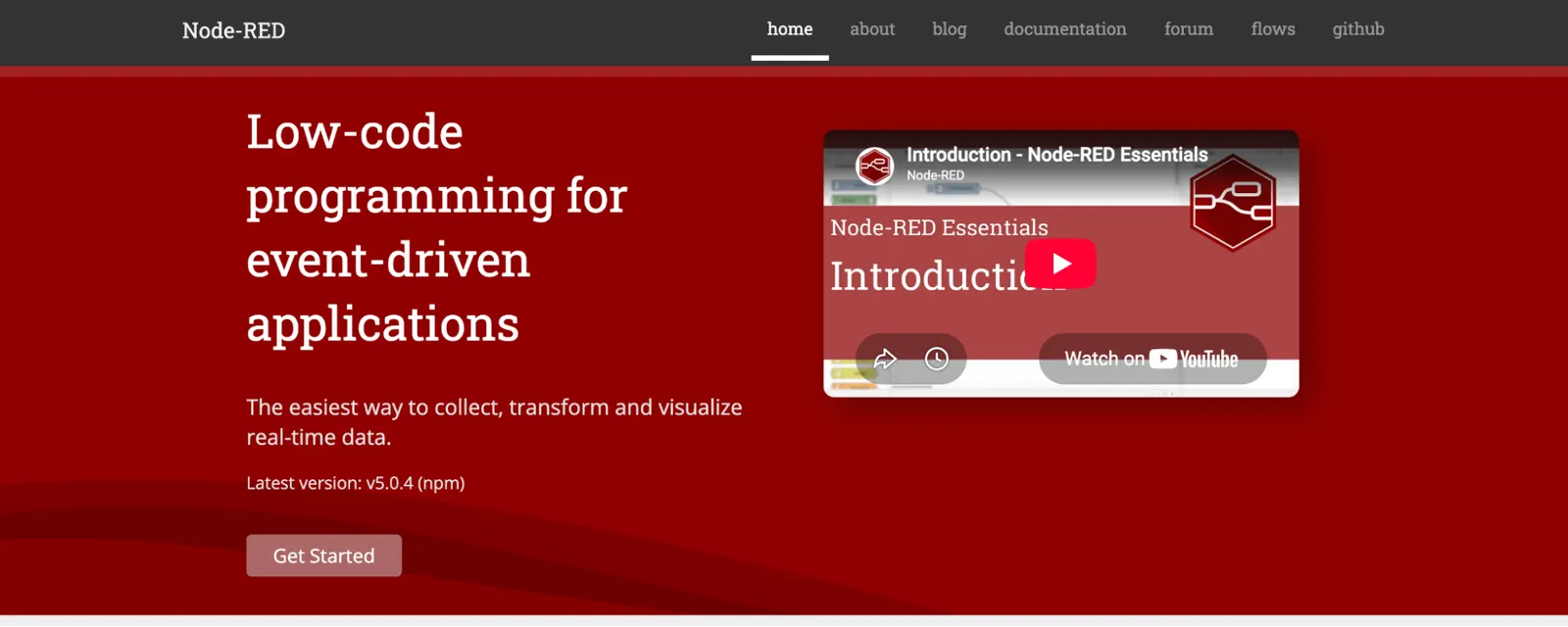
Node-RED is a flow-based visual programming tool originally built by IBM and now maintained under the OpenJS Foundation, which means it carries a fully permissive Apache 2.0 license with fewer usage restrictions than n8n's fair-code model has.
You wire nodes together on a canvas to move data between APIs, devices, and services, and it runs comfortably on hardware as small as a Raspberry Pi.
It is lighter-weight than n8n or Activepieces, with a smaller built-in integration catalog and a web UI that feels closer to a wiring diagram than a modern app builder. That aspect is exactly why it's popular in industrial and IoT contexts where a small footprint and permissive licensing matter more than a polished interface.
Features
- Apache 2.0 licensed, no usage restrictions on commercial or resold deployments.
- Runs on minimal hardware, common in industrial and IoT deployments.
- Drag-and-drop interface for wiring nodes into a flow.
- Large library of community-contributed nodes.
| Pros | Cons |
|---|---|
| Fully permissive license with no fair-code style restrictions | Smaller built-in integration catalog than n8n or Activepieces |
| Extremely lightweight, runs on small hardware | Interface feels dated next to newer workflow builders |
| Strong fit for IoT and industrial automation specifically |
Activepieces
Best for: Teams that want an MIT-licensed, no-code Zapier alternative with AI-agent and MCP support built in.
Activepieces is a no-code automation platform built around reusable connectors it calls "pieces," each written in TypeScript, with roughly 400 integrations covering the usual mix of SaaS apps, databases, and AI providers.
Unlike n8n's fair-code license, the Activepieces community edition ships under MIT, so what you build on it is yours to deploy or resell – with the caveat that its enterprise features sit under a separate commercial license.
The platform has leaned hard into AI agents and Model Context Protocol (MCP) integrations, letting a workflow call an AI agent as a step or expose itself as an MCP server other tools can call into.
That AI focus, combined with the permissive license, has driven fast adoption. It's a newer project than n8n, though, so its integration catalog and community answers are still catching up.
Features
- MIT licensed, no fair-code style restrictions on commercial use.
- AI-agent steps and Model Context Protocol (MCP) support built in.
- Around 400 pre-built connectors ("pieces").
- No-code builder with a TypeScript SDK for custom pieces.
- Self-hosted or cloud deployment.
- Human-in-the-loop approval steps for workflows that need a person to sign off.
| Pros | Cons |
|---|---|
| Fully permissive MIT license | Newer project, smaller community than n8n or Node-RED |
| Strong, current AI-agent and MCP support | Fast-moving releases mean the docs occasionally lag new features |
| No-code builder is genuinely usable by non-developers |
The best open source automation tools for enterprise workflows and business process management
Once a process needs to be governed, audited, and owned across departments rather than run by one team, general-purpose workflow builders start to strain.
This category covers tools built for that heavier job: modeling a business process formally, assigning human tasks inside it, and keeping a record of who did what.
Camunda
Best for: Enterprise teams that need a formally modeled, auditable business process with both automated steps and human tasks.
Camunda is a BPMN 2.0 process orchestration platform, which means processes are modeled as a standard business process diagram rather than a chain of ad hoc triggers.
Camunda 8 rebuilt the platform on Zeebe, a cloud-native workflow engine, alongside Tasklist for managing human tasks, Operate for monitoring running instances, and Optimize for process analytics. That combination makes it a fit for processes that mix software steps with a person approving a loan or reviewing a claim.
Camunda's core components ship under a source-available license with some usage restrictions rather than a fully permissive one, which is worth confirming against your deployment plans – the same check you'd run on n8n's fair-code license above.
The legacy Camunda 7 community edition was archived in late 2025 in favor of Camunda 8, so any evaluation you do should start with the current platform rather than older documentation.
Features
- BPMN 2.0 and DMN modeling for formally defined, auditable processes.
- Human task management through Tasklist, for steps that need a person's sign-off.
- Zeebe engine built for cloud-native, horizontally scalable deployment.
- Operate and Optimize for run-time monitoring and process analytics.
- Self-managed or Camunda-hosted cloud deployment.
| Pros | Cons |
|---|---|
| Purpose-built for governed, auditable business processes | Source-available license carries usage restrictions to check |
| Handles human tasks natively, not as a workaround | Steeper learning curve than a general-purpose workflow builder |
| Strong fit for regulated, cross-functional processes |
Apache Airflow
Best for: Data and platform teams that need to schedule and monitor dependency-based data pipelines.
Apache Airflow enables you to author workflows as directed acyclic graphs (DAGs) in Python, where each node is a task, and the edges define dependencies between them. It's become the default choice for data engineering teams scheduling ETL jobs, model training pipelines, and other work where step B genuinely can't run until step A finishes.
Custom operators extend it to talk to almost any external system, from cloud data warehouses to internal APIs.
As an Apache Software Foundation project, Airflow is Apache 2.0 licensed with no usage restrictions, and it benefits from a genuinely large open source community rather than a single vendor's roadmap.
It's built for data pipelines specifically, though, not general business process modeling. A team trying to model human approval steps or BPMN-style processes in Airflow may end up fighting the tool rather than using it as intended.
Features
- DAG-based workflow definition in plain Python.
- Custom operators for connecting to cloud platforms, warehouses, and internal APIs.
- Built-in scheduler, retry logic, and a web UI for monitoring runs.
- Apache 2.0 licensed under the Apache Software Foundation.
| Pros | Cons |
|---|---|
| Enormous community and operator ecosystem for data workloads | Built for data pipelines, not general BPM or human-task workflows |
| Fully permissive Apache 2.0 license | Running it reliably at scale takes real infrastructure work |
| Python-native, familiar to most data teams already |
Temporal
Best for: Engineering teams building distributed applications that need to survive failures without losing workflow state.
Temporal is a durable execution platform: it keeps a workflow's state and progress reliable even if the process running it crashes, a server restarts, or a downstream API times out partway through a multi-step operation.
Where Airflow schedules data pipelines and Camunda models formal business processes, Temporal is aimed at application developers who are building things like order fulfillment, payment processing, or any long-running workflow that has to be correct even when infrastructure fails mid-run.
It ships SDKs for Go, Java, Python, TypeScript, .NET, and PHP under a permissive MIT license, and a workflow is defined as ordinary code in your language of choice rather than a diagram or a YAML file. Temporal Cloud offers a managed version of the same open source core if you'd rather not run the server component yourself.
Features
- Durable execution that preserves workflow state through crashes and restarts.
- SDKs for Go, Java, Python, TypeScript, .NET, and PHP.
- Workflows defined as ordinary application code, not a diagram or config file.
- Built-in retries, timeouts, and versioning for long-running processes.
- Temporal Cloud managed offering alongside the self-hosted server.
- A strong fit for microservice architectures with cross-service transactions.
| Pros | Cons |
|---|---|
| MIT licensed with no usage restrictions | Aimed at developers, not a low-code option for business users |
| Solves failure handling most teams would otherwise hand-roll badly | Self-hosting the server cluster takes real operational investment |
| Workflows are ordinary code, easy to test and version |
The best open source automation tools for IT process orchestration
This category covers infrastructure-facing automation: configuration management, runbook execution, and event-driven responses to what's happening across your servers and cloud environments. These tools assume the "process" being automated is IT operations itself, not a business workflow.
Ansible
Best for: IT teams standardizing configuration management and deployment across servers without installing agents everywhere.
Ansible automates configuration management, application deployment, and orchestration by pushing YAML playbooks out over SSH, with no agent required on the machines being managed.
That agentless design is the main reason it's become the default choice for teams that need to configure a fleet of servers consistently without maintaining a separate agent process on every one of them. Ansible Galaxy adds a large library of community-maintained roles for common software and cloud providers.
It's maintained by Red Hat under IBM and licensed under GPL-3.0, which is copyleft rather than permissive: modifications you distribute have to be shared under the same license, though this rarely affects a team just running playbooks internally.
Ansible works well across virtually every major cloud provider and on-prem environment, and its plain YAML syntax keeps the learning curve lower than tools that require writing code.
Features
- Agentless, SSH-based execution with no software to install on managed hosts.
- YAML playbooks that are readable without deep programming experience.
- Ansible Galaxy for community-maintained roles and collections.
- Idempotent execution, so re-running a playbook is safe.
- Broad support across cloud providers and on-prem infrastructure.
| Pros | Cons |
|---|---|
| No agents to install, deploy, or patch on managed hosts | GPL-3.0 is copyleft, so distributed modifications must be shared under the same license |
| Huge community and role library via Ansible Galaxy | Execution speed lags agent-based tools at very large fleet sizes |
| Low learning curve for teams already comfortable with YAML |
Rundeck
Best for: Ops teams that need to give developers controlled, audited self-service access to run scripts and jobs.
Rundeck is a runbook automation tool built around giving people outside the core ops team safe, permissioned access to execute specific scripts and jobs, rather than a full shell on production systems.
Its access control layer and job scheduler mean a developer can restart a service or re-run a data job through Rundeck's web UI, with the run logged and scoped to exactly what they're allowed to touch.
Originally built by Rundeck Inc and later acquired by PagerDuty, it's Apache 2.0 licensed and integrates cleanly with existing scripts, Ansible playbooks, or command-line tools you already have, rather than replacing them.
It's a narrower tool than Ansible or StackStorm: Rundeck doesn't try to be a configuration management system, just the audited, self-service front door to jobs you've already written.
Features
- Role-based access control scoped to specific jobs, not full server access.
- Web UI and API for triggering and scheduling jobs.
- Full audit log of who ran what and when.
- Wraps existing scripts, Ansible playbooks, or CLI tools without replacing them.
| Pros | Cons |
|---|---|
| Purpose-built audit trail for self-service job execution | Not a configuration management tool on its own, pairing with Ansible or something similar |
| Apache 2.0 licensed with no usage restrictions | Smaller community than Ansible or Jenkins |
StackStorm
Best for: Teams that want to trigger automated remediation and ChatOps actions from events, not run automation on a schedule.
StackStorm describes itself as "IFTTT for Ops." Sensors watch for events across your infrastructure, rules match those events to conditions worth acting on, and actions or full workflows fire automatically in response.
That event-driven model suits auto-remediation, like restarting a service the moment monitoring flags it as unhealthy, and ChatOps triggers like deploying straight from a Slack command better than a scheduled job ever could.
It ships over 160 integration packs covering common infrastructure and monitoring tools, and it's Apache 2.0 licensed.
StackStorm's event-driven design is also its main limit: teams that mainly need scheduled, repeatable playbook runs are usually better served by Ansible. StackStorm is worth considering when the trigger is something that just happened, not it being time to run something again.
Features
- Event-driven automation triggered by sensors and rules, not a schedule.
- 160+ integration packs for common infrastructure and monitoring tools.
- ChatOps support for triggering actions from chat commands.
- Workflow engine for chaining multi-step responses to a single event.
- Apache 2.0 licensed.
| Pros | Cons |
|---|---|
| Genuinely automates incident response, not just scheduled tasks | Event-driven model has a steeper learning curve than a playbook |
| Large library of pre-built integration packs | Smaller community than Ansible, fewer third-party resources |
| Strong fit for auto-remediation and ChatOps specifically |
Open source automation tools for DevOps and CI pipelines
CI/CD pipelines are one of the oldest and most mature use cases for open source automation, and open source test automation tools are a natural extension of the same job: running the same checks, the same way, every time code changes.
Jenkins
Best for: Teams that want the most flexible, plugin-driven CI/CD server, and don't mind maintaining it themselves.
Jenkins is the original open source automation server for continuous integration and delivery, and it's been the default choice for CI pipelines since well before most of its modern competitors existed.
Its defining feature is an enormous plugin ecosystem, thousands of plugins covering nearly every source control system, cloud provider, testing tool, and notification channel a pipeline might need to talk to.
That flexibility comes at a maintenance cost. Jenkins is self-hosted by default, MIT licensed, and governed under the Continuous Delivery Foundation, which keeps it vendor-neutral but also means your team owns the server, its plugins, and their upgrades.
Teams that want CI/CD without owning that infrastructure tend to look at Kubernetes-native alternatives like the next entry instead.
Features
- Thousands of plugins covering source control, cloud, and testing integrations.
- Pipeline as code through Jenkinsfiles written in Groovy.
- Distributed builds across multiple agent nodes.
- Governed by the Continuous Delivery Foundation and vendor-neutral.
- Two decades of documentation and community troubleshooting resources.
- MIT licensed with no usage restrictions.
| Pros | Cons |
|---|---|
| Largest plugin ecosystem of any open source CI tool | You own the server, upgrades, and plugin maintenance yourself |
| Extremely flexible, fits almost any pipeline shape | Plugin quality and maintenance vary widely between contributors |
| Massive community and two decades of prior art |
Argo Workflows
Best for: Teams already running Kubernetes who want CI/CD pipelines defined as native Kubernetes resources.
Argo Workflows runs each pipeline step as its own container inside Kubernetes, with steps defined as custom resources rather than a separate pipeline-specific configuration format. It is a natural fit if your infrastructure is already Kubernetes-native: pipelines get the same scheduling, scaling, and resource isolation as everything else running in the cluster, instead of a CI server bolted on next to it.
A Cloud Native Computing Foundation (CNCF) graduated project, Argo Workflows is Apache 2.0 licensed and supports both DAG-based and step-based pipeline definitions, including parallel execution across steps with no dependency between them.
It's part of the wider Argo family alongside Argo CD and Argo Events, which could be useful if GitOps deployment or event-driven triggers are also on your roadmap.
Features
- Pipeline steps run as native Kubernetes containers, not a separate CI layer.
- DAG-based or step-based pipeline definitions.
- Parallel execution for independent steps.
- CNCF graduated project, Apache 2.0 licensed.
| Pros | Cons |
|---|---|
| No separate CI infrastructure if you already run Kubernetes | Only makes sense once you're already Kubernetes-native |
| Parallel execution and resource isolation from the cluster itself | Smaller ecosystem of third-party integrations than Jenkins |
Selenium
Best for: Teams that need cross-browser testing across the widest possible range of languages, wired into an existing CI pipeline.
Selenium is the original WebDriver-based test automation tool, and it's still the broadest in terms of language support: Java, Python, C#, Ruby, and JavaScript bindings all drive the same underlying protocol across every major browser.
If your team already has an existing Selenium suite wired into Jenkins or another CI system, that breadth is exactly why migrating away from it is rarely worth the disruption.
Selenium Grid distributes test runs across multiple machines and browsers in parallel, which is helpful once a test suite gets large enough that running it serially blows past your CI pipeline's time budget.
It's Apache 2.0 licensed and two decades old, so expect more boilerplate and flakier waits than newer frameworks without careful tuning, in exchange for the widest compatibility of any tool in this category.
Features
- Broadest language support of any test automation framework: Java, Python, C#, Ruby, JavaScript.
- Selenium Grid for distributed, parallel cross-browser testing.
- Drives every major browser through the standard WebDriver protocol.
- Selenium IDE for record-and-playback test creation.
- Mature ecosystem with CI integration examples for almost every pipeline setup.
| Pros | Cons |
|---|---|
| Works with almost any language and browser combination already in your stack | More boilerplate than newer frameworks for the same test |
| Massive community and prior CI integration examples | Flakier waits and locators without careful tuning |
| Free and open source, with no vendor lock-in |
Robot Framework
Best for: Teams that want acceptance tests and RPA scripts written in a plain, keyword-driven syntax non-programmers can read.
Robot Framework is a generic automation framework for acceptance testing and RPA, built on Python and using a keyword-driven, largely tabular syntax rather than a general-purpose programming language.
A test case reads closer to a checklist of named steps than code, which makes it genuinely reviewable by a QA lead or business analyst who doesn't write Python day to day. Under the hood, it extends through libraries like SeleniumLibrary for web testing, RequestsLibrary for API testing, and Appium integration for mobile automation.
Originally developed at Nokia Networks and now maintained by the Robot Framework Foundation, it's Apache 2.0 licensed with an active open-source community and a large plugin ecosystem of third-party libraries.
It won't replace a full CI server like Jenkins. Instead, it's the test layer that plugs into one, covering acceptance tests, API testing, and mobile automation from the same syntax and reducing the number of separate testing frameworks a team has to maintain.
Features
- Keyword-driven, largely tabular syntax readable by non-programmers.
- SeleniumLibrary, RequestsLibrary, and Appium integrations for web, API, and mobile automation.
- Built-in test data handling and reporting.
- Extensive library ecosystem covering most common testing needs.
| Pros | Cons |
|---|---|
| Readable by QA and business analysts, not just developers | Keyword syntax feels rigid for highly conditional test logic |
| Covers web, API, and mobile automation from one framework | Debugging failures means reading Robot's own logs, not a stack trace |
| Apache 2.0 licensed, actively maintained by a dedicated foundation |
Best open source browser automation tools
Every workflow builder, BPM engine, and CI pipeline above will eventually need to drive a real browser: filling a form, crawling a page, scraping data, or running an end-to-end test against a live web app. This category is that layer.
For the fuller concept behind it, see our guide to browser automation; here, the focus is on the libraries and services businesses actually use.
Puppeteer
Best for: Developers who want direct, high-level control of Chrome without adopting a full testing framework.
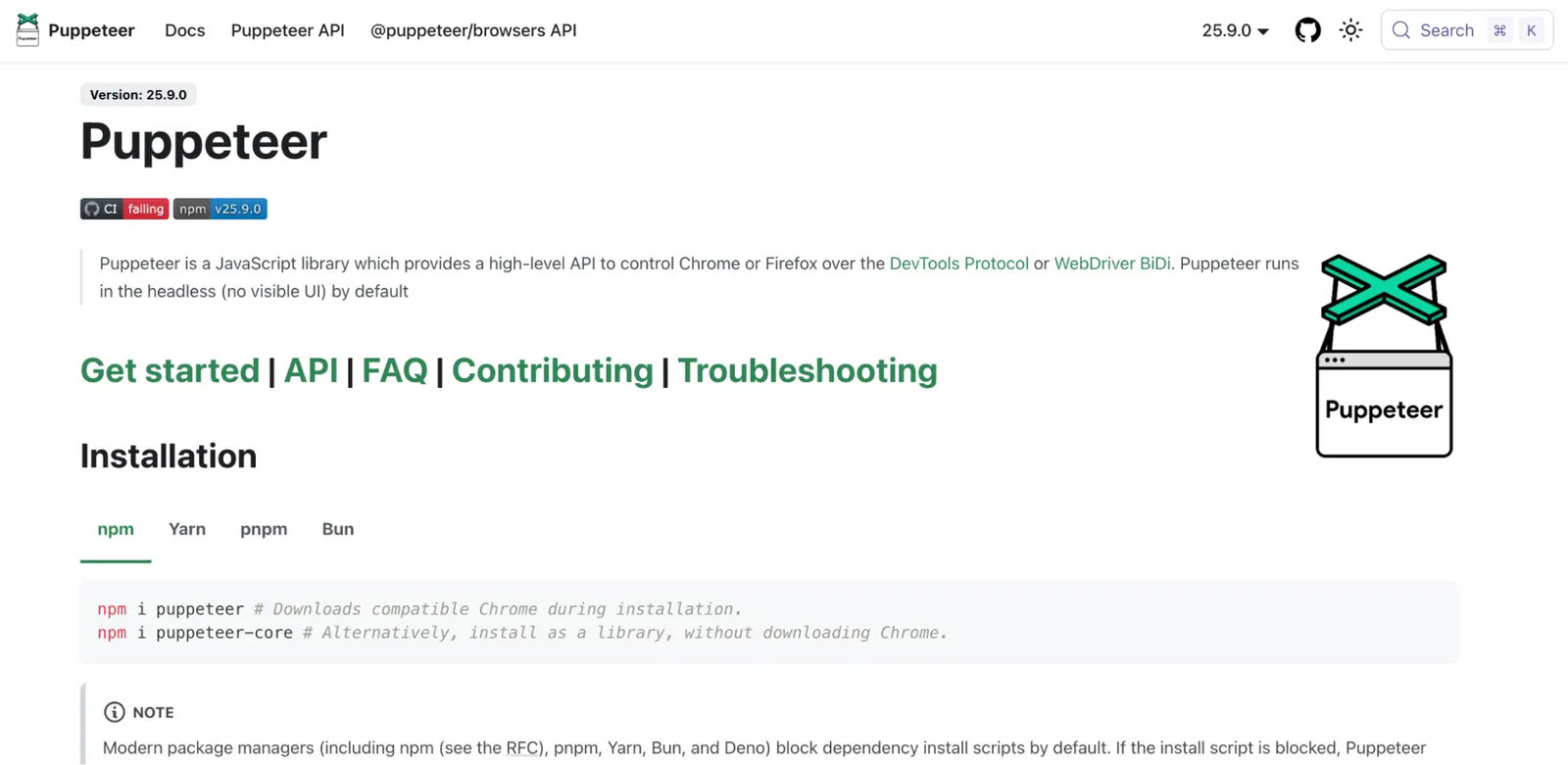
Puppeteer is a Node.js library from the Chrome team for controlling Chrome and Chromium over the DevTools Protocol, and for a lot of developers it's the first "real browser" tool they use.
Its API covers page-level actions like navigation, form filling, button clicking, and screenshotting – close enough to plain JavaScript that it is easy to pick up.
It's a strong fit for one-off scripts, PDF and screenshot generation, and scraping Chrome-rendered pages, but it doesn't solve concurrency, proxy management, or browser fleet maintenance on its own.
Once a Puppeteer script needs to run somewhere other than your own machine, Puppeteer in the cloud is the natural next step rather than hand-rolling that infrastructure yourself.
Features
- High-level API for navigation, form filling, and DOM interaction.
- Built-in PDF generation and full-page screenshotting.
- Direct access to the Chrome DevTools Protocol for advanced use cases.
puppeteer.connect()lets scripts point at a remote browser instead of a local one.- Large ecosystem of examples and community plugins.
| Pros | Cons |
|---|---|
| Simple, well-documented API for Chrome-specific automation | Chrome and Chromium first, with Firefox supported through WebDriver BiDi and no WebKit support |
| Free and open source with a huge base of tutorials | You own concurrency, proxies, and scaling yourself |
.connect() makes moving to remote infrastructure a small change |
Playwright
Best for: Teams that want one modern API across Chromium, Firefox, and WebKit without stitching together separate tools.
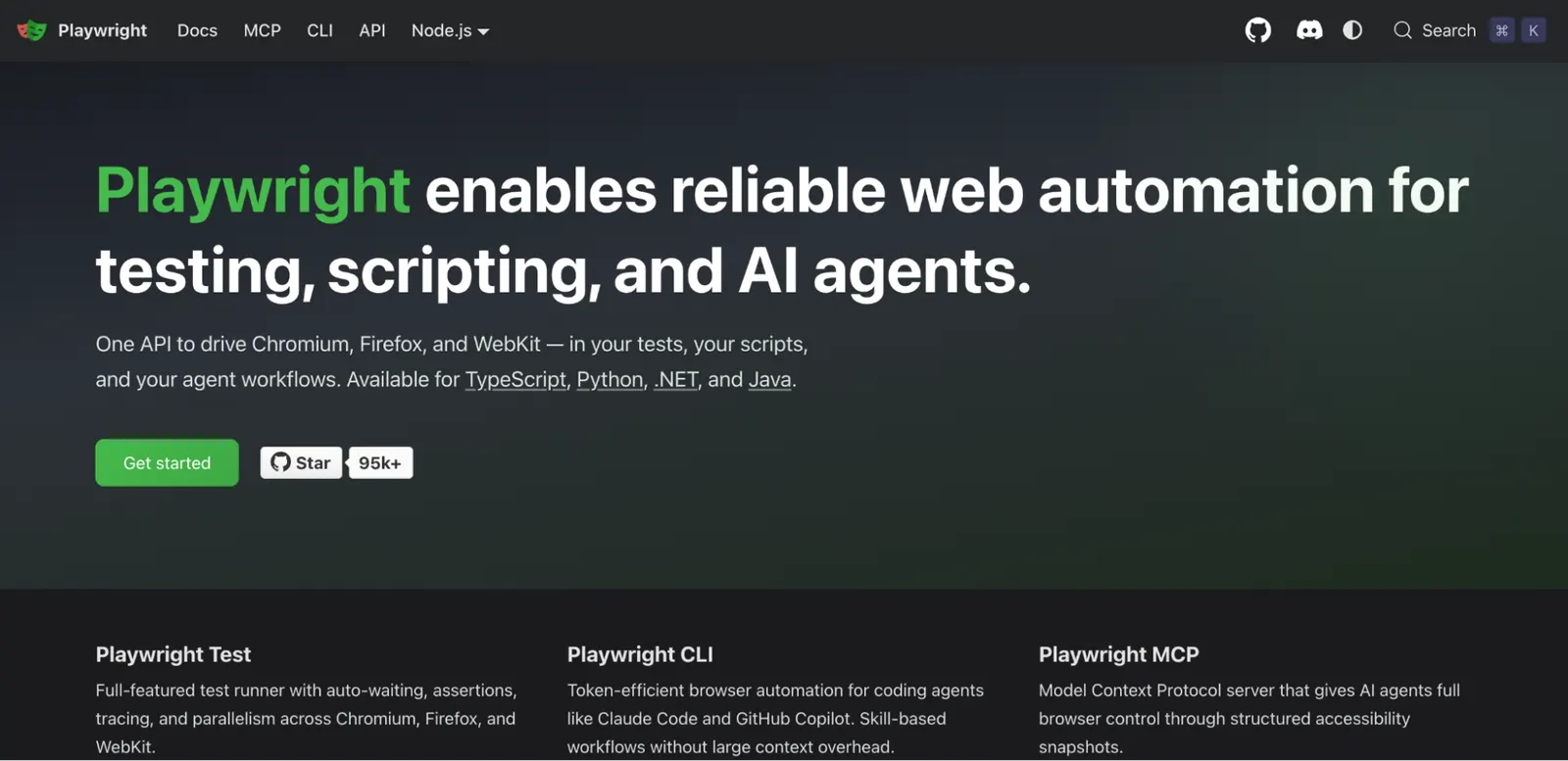
Playwright is Microsoft's cross-browser automation and testing framework, built by engineers who previously worked on Puppeteer, which shows in the high-level API and sensible defaults. A single script runs against Chromium, Firefox, and WebKit without rewriting browser-specific logic, with bindings for JavaScript, TypeScript, Python, Java, and .NET.
Built-in auto-waiting removes a lot of the flaky-test tuning Selenium requires, and its trace viewer and codegen tools speed up debugging a failed run considerably.
It also supports component testing directly, which is why teams increasingly choose it as the one tool covering both end-to-end and component-level checks.
Features
- Single API across Chromium, Firefox, and WebKit.
- Auto waiting reduces flaky tests compared to manually tuned waits.
- Trace viewer and codegen speed up debugging and initial test authoring.
- Native component testing support alongside full end-to-end tests.
| Pros | Cons |
|---|---|
| Modern API with far less flaky-test tuning than Selenium | Smaller talent pool than Selenium, though growing fast |
| True multi-browser support including WebKit | Some edge-case tooling is still maturing on a newer project |
Browserless
Best for: Teams whose Puppeteer, Playwright, or AI-agent workload has outgrown a local script and needs to run reliably at scale.
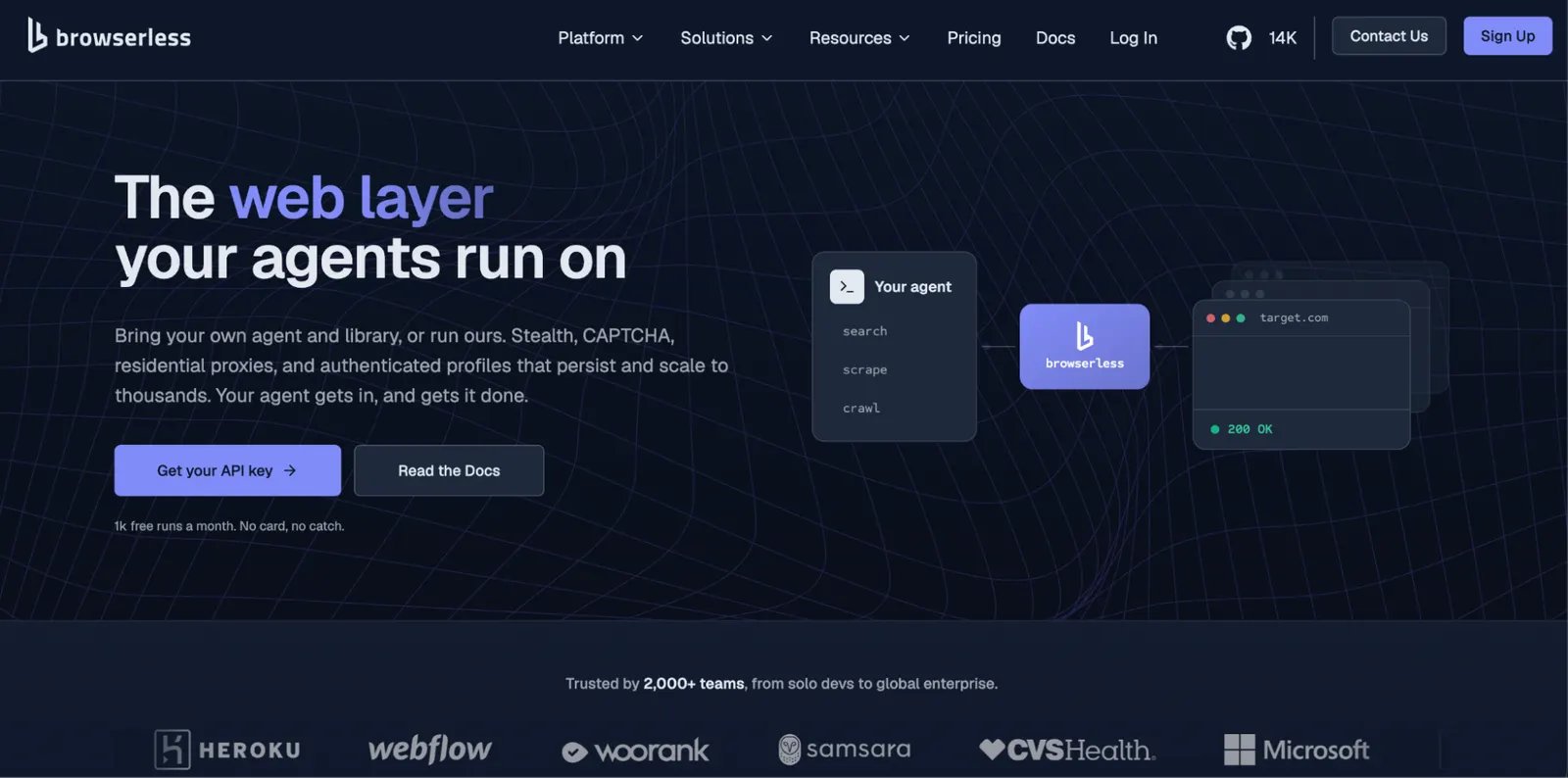
Browserless runs Chrome for you, in the cloud or on your own infrastructure, so you connect your existing Puppeteer, Playwright, or REST code to a managed browser instead of maintaining a fleet yourself.
In practice you install puppeteer-core, then swap puppeteer.launch() for puppeteer.connect() with your Browserless WebSocket endpoint – the rest of the script stays as it is, which is important if you already have automation written and just want the infrastructure problem solved.
import puppeteer from "puppeteer-core";
const browser = await puppeteer.connect({
  browserWSEndpoint: "wss://production-sfo.browserless.io?token=YOUR_API_TOKEN",
});
const page = await browser.newPage();
await page.goto("https://example.com");
// Your existing automation code here...
await browser.close();
Where Browserless differentiates from a general-purpose library is production history: eight years running browsers at scale, 175M+ Docker pulls, and 99.9% uptime, plus a self-hosted deployment option for teams with data residency or compliance requirements that mean they can't rely on a cloud service.
It also ships an MCP server for AI agents that need to browse the web, alongside BrowserQL (BQL) for stealth-first automation and structured data extraction, typed BQL SDKs for TypeScript and Python, REST endpoints like /scrape and /unblock for one-off jobs, and Authenticated Profiles that keep a session logged in across runs.
If you just need to run one local script on your own laptop, start with Playwright or Puppeteer. Browserless is built for teams that need their script to work every time, at concurrency, in production.
Features
- Connect existing Puppeteer, Playwright, or REST code with a one-line change from
launch()toconnect(). - BrowserQL (BQL), a GraphQL-based API for stealth-first automation and structured data extraction.
- Authenticated Profiles persist login state across runs.
- REST APIs designed for different tasks.
- Built-in stealth fingerprints, CAPTCHA solving, and residential proxy support.
- MCP server for AI agents that need reliable browser access.
- Cloud, managed cloud, or self-hosted deployment.
- SOC 2 Type II certified, with current reports in the Trust Center.
| Pros | Cons |
|---|---|
| Eight years of production history and 175M+ Docker pulls | Usage-based pricing means cost scales with volume, unlike a free library |
| One-line migration from a local Puppeteer or Playwright script | It's infrastructure, not a workflow engine, BPM tool, or test framework |
| Self-hosted option for compliance and data residency requirements | |
| Free tier with 1,000 units a month and two concurrent browsers, where a unit covers up to 30 seconds of browser time | |
| Built-in stealth, CAPTCHA solving, and Authenticated Profiles |
Conclusion
If you need a general-purpose workflow builder, n8n, Node-RED, and Activepieces each offer a solution with a different license and a different balance of code versus no-code.
If the process needs to be formally modeled and audited, Camunda handles formal BPM, Airflow orchestrates data pipelines, and Temporal keeps long-running application workflows durable.
If the job is IT operations itself, Ansible handles configuration management, Rundeck adds audited self-service job execution, and StackStorm handles event-driven remediation.
If you're shipping software, Jenkins, Argo Workflows, Selenium, and Robot Framework cover CI/CD and open source test automation.
And underneath any of them, Puppeteer, Playwright, and Browserless are the layer that actually drives a browser once your script, workflow, or agent has outgrown a single laptop.
Match the category to the job first, and the license and deployment model second. If your browser automation has reached that second stage, try Browserless free: 1,000 units a month, no card required, and your existing Puppeteer or Playwright code should need one line changed to run on it.
Open source automation FAQs
What is the best open source automation tool?
There's no single best tool, since "best" depends on the category. For general-purpose workflow automation, n8n and Activepieces are the two most widely adopted. For browser automation, try Browserless. For business process management, Camunda is the standard. For IT process orchestration, Ansible has the largest community. Match the category to the actual job before comparing options within it.
Is there any free automation tool?
Yes. Every tool in this guide can be self-hosted at no license cost for internal use, though a few – Camunda and n8n among them – attach conditions once you resell it or run it in production at scale. Several also sell a paid cloud or enterprise tier with extra features and support, but the core software costs nothing to run yourself. Factor in your own team's time to run and maintain it, since that's a real cost even when the license fee is zero.
Is n8n open source?
Yes, with a caveat. n8n's source code is public and free to self-host and modify for internal use, but it ships under a fair-code license (the Sustainable Use License) rather than a fully permissive one like MIT or Apache 2.0. That license restricts reselling n8n as a competing hosted service; it doesn't restrict using it to automate your own business processes.
Is open source automation really free?
The software usually is; the automation isn't. Most tools here ship a free self-hosted edition, but licenses vary – n8n's Sustainable Use License restricts reselling it, Camunda's self-managed distribution needs a commercial license for production, and Browserless's self-hostable image is dual-licensed under SSPL-1.0 or a commercial license. Add your team's time to run, patch, and monitor it to get the real cost.