
TL;DR
- Anti-scraping is the set of techniques a website uses to detect and block automated data extraction, from simple IP rate limiting up to managed anti-bot systems.
- Sites use it to protect content and pricing, keep automated bots from overloading servers, and keep bot traffic out of their analytics, though it catches some legitimate users too.
- Scrapers reduce how often they get blocked by matching real browser fingerprints, rotating quality IP addresses, and running a real browser – not by any one trick.
- No DIY bypass holds up forever against a managed anti-bot system that keeps updating, which is where a maintained stealth layer beats a one-off script.
Introduction
Anti-scraping is any technique a website uses to tell automated traffic apart from people and then block what is automated. You'll encounter it from one of two directions: either you're scraping a site and get a 403 or a CAPTCHA where clean HTML used to be, or you run a site and bots crawl your pages.
This guide covers both sides: how anti-scraping works, why sites deploy it, the techniques from rate limits to browser fingerprinting, how scrapers get past the lighter ones, where DIY evasion stops working, and where scraping stands legally.
What is anti-scraping?
Anti-scraping, sometimes called web scraping protection, is the umbrella term for the techniques a website uses to detect and block automated data extraction. An anti-scraping mechanism is any one of those checks, or a number of them: a rate limit, a header rule, a browser fingerprint test, a CAPTCHA – most setups are a combination.
Think of anti-scraping as a spectrum:
- At the light end are home-grown checks a developer adds in an afternoon, like blocking requests that arrive too fast from one IP address.
- At the heavy end are commercial anti-scraping tools that score every visitor with machine learning and adapt as bypass attempts appear.
That spectrum means there's no one solution to getting past anti-scraping. Bypassing a basic rate limit is trivial, but getting past a managed anti-bot system running continuously updated models is a different challenge, and not one a single script solves for long.
Why websites use anti-scraping measures
Anti-scraping adds friction for bots to prevent the following:
- Competitors scraping content and pricing to repost or undercut it.
- Automated bots making thousands of requests and overloading servers, slowing the site for real visitors.
- Scraped traffic can affect analytics, so bot activity makes it harder to read what human users are actually doing.
- Login and checkout flows attract abuse like credential stuffing, not just data collection.
However, every anti-web scraping measure that blocks more bots also risks blocking legitimate users who share an IP address, run privacy tools, or browse in a way that looks unusual – which is why anti-scraping is rarely as aggressive as it could be.
Common anti-scraping techniques
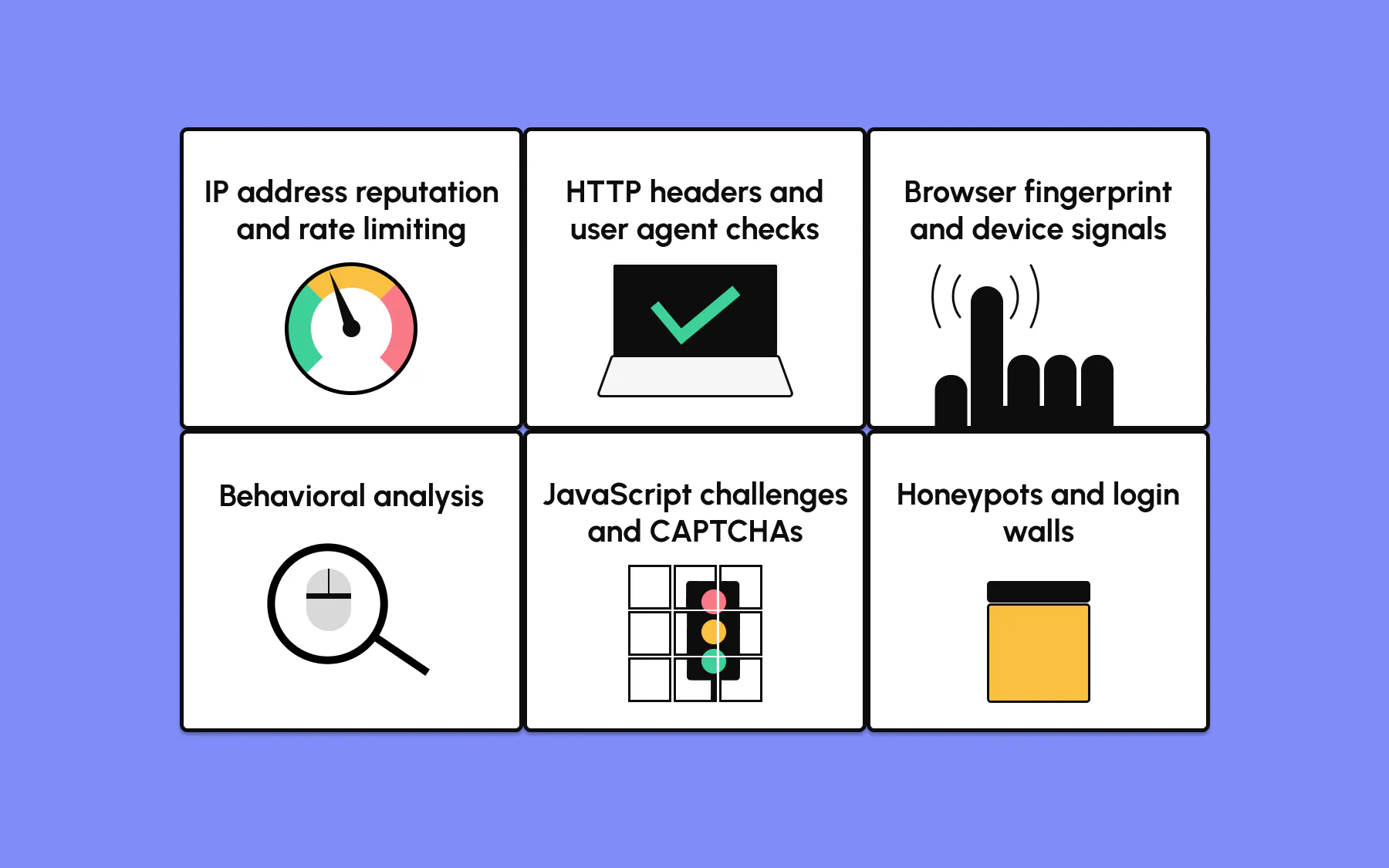
Anti-scraping works across four fronts: where a request comes from, what it looks like, what it accesses, and how it behaves. Most defenses layer several of these rather than trusting one check, since a single signal produces too many false positives.
IP address reputation and rate limiting
The simplest check is where the visitor is coming from. Rate limiting caps how many requests one IP address can make in a window, stopping a basic scraper from firing thousands of requests from a single IP address.
Sites also track IP address reputation: a datacenter IP from a hosting provider starts with lower trust than a residential one. Requests arriving at suspiciously regular intervals, the kind a cron job produces, raise the score further.
These checks aren't hard to trip, and are usually the first layer a scraper meets.
HTTP headers and user agent checks
A user agent is the text string your browser sends to say what it is, like Mozilla/5.0 ... Chrome/124.0.0.0.
Sites check it because scrapers often send a default library string, or none at all. It's rarely checked alone, though: Anti-scraping systems look at whether the full set of HTTP headers is internally consistent and matches a real browser, including the Accept-Language value, header order, and whether a Referer header is present when expected.
A request whose user agent claims to be Chrome but whose other request headers don't line up is an easy flag.
Browser fingerprint and device signals
When a site runs JavaScript in your browser, it reads far more than headers. A browser fingerprint combines canvas and WebGL rendering quirks, installed fonts, screen resolution, timezone, the reported operating system, and the navigator.webdriver flag into a near-unique profile.
Automated web browsers tend to leave a tell somewhere in that set: a navigator.webdriver value stuck at true, an empty plugin list, or a timezone that doesn't match the IP address geography.
Any one inconsistency moves a visitor onto the watch list.
Behavioral analysis
Behavioral analysis watches how you interact with a page rather than what your request looks like. It measures click cadence, scroll behavior, mouse movements between actions, and interaction timing, then compares them to real user behavior.
Jumping straight from page load to form submission doesn't look human, as real users read first. Modern systems feed these signals into machine learning models trained on large samples of human behavior, which makes them harder to fool than a fixed rule.
JavaScript challenges and CAPTCHAs
When passive signals aren't conclusive, a site runs an active test.
A JavaScript challenge is a snippet that has to execute correctly in a real browser engine before content loads.
Any scraper without a JavaScript stack fails it outright. If that's still not conclusive, the site escalates to CAPTCHA challenges: the image grids and puzzles designed to be easy for people and hard for scripts.
Both are common because they shift the cost onto the visitor, and many CDNs bundle them as built-in anti-bot measures.
Honeypots and login walls
Some techniques target careless crawlers.
A honeypot is a trap the site plants for bots, most often hidden links or invisible links styled with display: none that a human never sees but a naive crawler follows, flagging itself the moment it does.
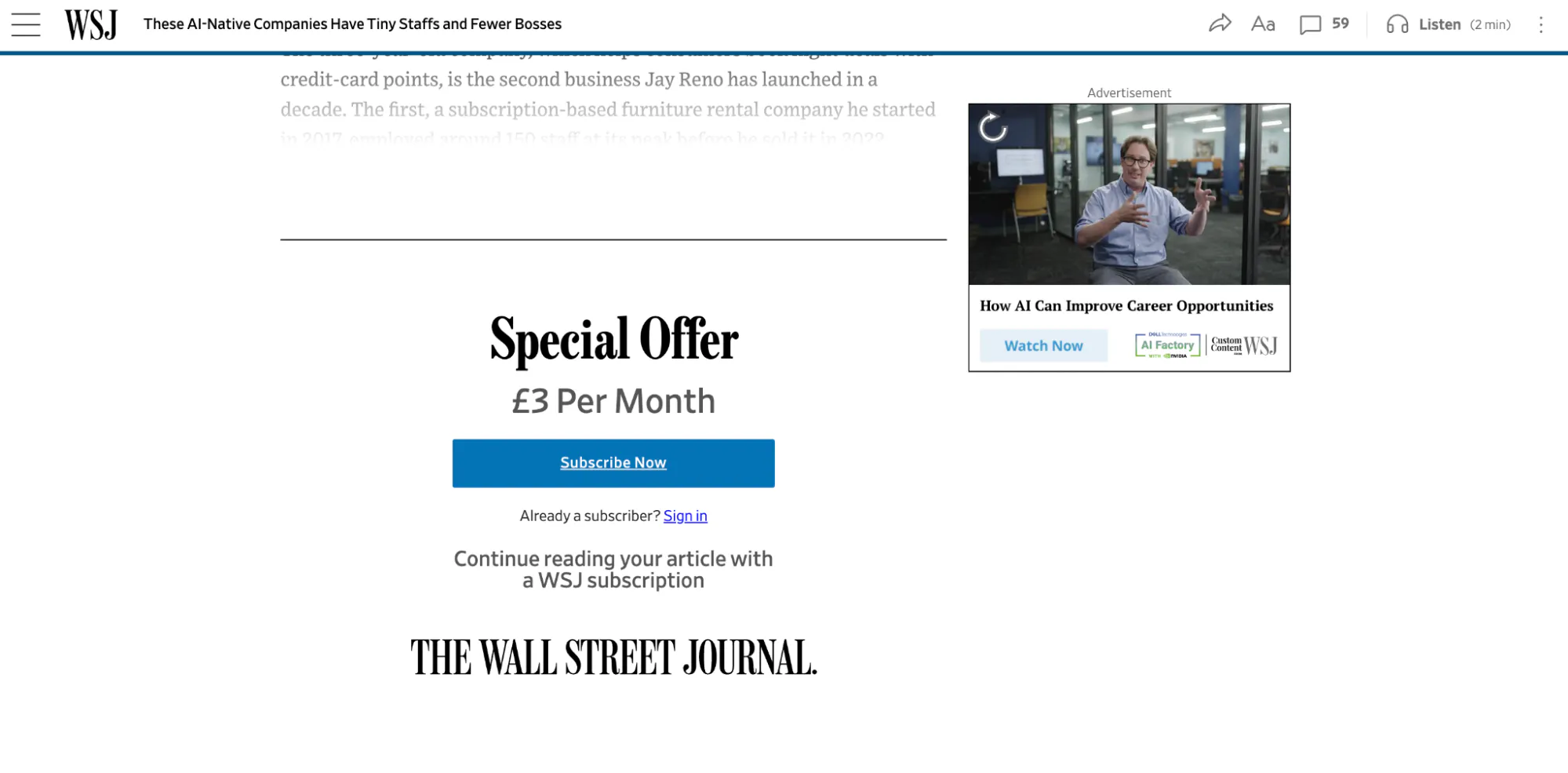
A login wall takes the opposite approach and gates data behind authentication, so only signed-in accounts reach it. As a result, sites that block logged-out access can't be reached by tuning requests at all.
Many publications, like the Wall Street Journal, for example, use subscription walls as revenue drivers, which have the added benefit of providing a barrier to bots.
Modern anti-bot systems and managed WAFs
There's a real gap between a site's home-grown checks and a managed anti-bot system like DataDome or Cloudflare – the kind a managed stealth layer is built to handle.
These tools combine every technique above into one continuously updated product, scoring each visitor with machine learning models that adapt as new bypass techniques surface.
Single-technique bypasses behave very differently depending on the target. Spoofing a user agent might get you past a hand-rolled header check, but it does nothing against modern anti-bot systems that also weigh your fingerprint, IP address reputation, and behavior in one decision.
Advanced anti-scraping services sit in front of the origin as a Web Application Firewall (WAF), blocking requests before your target page is served.
How to bypass anti-scraping mechanisms
Bypassing anti-scraping mechanisms is about reducing your detection surface, so fewer requests get flagged, rather than switching anything off.
No single move gets you through; the goal is to look like ordinary traffic. Popular techniques to overcome anti-scraping each target one detection layer above:
- Match real browser fingerprints and headers. Keep your user agent,
Accept-Language, client hints, and header order internally consistent, and update them as browser versions move on, since a stale or mismatched set is its own signal. - Rotate quality IP addresses. Use residential proxies over datacenter ranges, and rotate per session rather than per request, since an IP that changes location every few seconds looks less human.
- Run a real browser. A real headless browser executes JavaScript challenges and sets valid cookies the way plain HTTP clients can't, so real browsers are the baseline for anything past the simplest sites.
- Slow down and vary your timing. Add randomized delays and natural pauses so your requests don't arrive at machine-perfect intervals.
Be realistic about what you can achieve with the above techniques. They reduce how often you get blocked on lighter setups, but they don't reliably beat a managed anti-bot system, and they need upkeep as targets change.
Over-scripted behavior is its own tell; you're aiming to be less obvious, not undetectable.
Example: How to avoid Amazon anti-scraping
Let's look at one website in particular to break down how you would go about scraping it.
Amazon is a common example of a site people want to scrape for data, and it's genuinely hard to scrape at volume.
The commercial behemoth runs its own layered anti-scraping: rate limits per IP address, CAPTCHA challenges, behavioral checks, and frequent page-structure changes that break scrapers relying on fixed selectors.
You need to work with Amazon's anti-scraping: keep your request rate modest, rotate residential IP addresses, run a real browser so JavaScript executes, and build your parser to tolerate structure changes rather than hard-coding brittle selectors.
Even then, expect to be challenged at scale, as Amazon invests heavily in identifying scrapers from shoppers. No setting makes it a guarantee, so plan for retries and a share of blocked requests as the normal cost of data scraping at that volume.
For a working example, see our Amazon scraping walkthrough and how to bypass Amazon's CAPTCHA.
Is web scraping illegal?
Firstly, this isn't legal advice, so contact legal support if you're unsure.
Scraping publicly available data is generally not illegal in itself. What changes things are the details around it: a site's terms of service, copyright on the content, whether you're collecting personal data, and how you access the site.
Scraping publicly available data you're authorized to see is different from evading a login wall to reach data you aren't.
Tools aren't the deciding factor either. A library like BeautifulSoup is just an HTML parser, so it's legal to use; what matters is what you collect and how.
If your project touches personal data or a site's terms, read the detail in our guide on whether web scraping is legal before you scale up.
A more reliable way to handle anti-scraping
If you maintain your own stealth setup, the techniques above are the same ones a managed stealth layer applies; the difference is who keeps them current.
Browserless runs the fingerprint matching, proxy rotation, and challenge handling for you, so you're not re-patching a script every time a target updates.
Our stealth route applies browser fingerprint mitigations to each request, residential proxies are built in and can be pinned to a country or kept sticky, and our CAPTCHA solving handles a challenge without writing separate handling for each type. On targets you are authorized to automate that block the automation library itself, the web unblocker API retrieves the page or hands you an unblocked live session in one POST request.
You turn these on in the connection URL – the /stealth/bql path applies the fingerprint mitigations and proxy=residential routes through a residential IP – then send the mutation to it:
curl -X POST \
  "https://production-sfo.browserless.io/stealth/bql?token=YOUR_API_TOKEN&proxy=residential&proxyCountry=us" \
  -H "Content-Type: application/json" \
  -d '{
    "query": "mutation ScrapeProtectedSite { goto(url: \"https://example.com/\", waitUntil: networkIdle) { status } solve { found solved time } html { html } }"
  }'
What this does:
- Sends the request to the
/stealth/bqlroute with a residential proxy, so fingerprint mitigations and a real-user IP are applied before the page loads. - Runs
solve, which detects and solves whatever CAPTCHA is present without you specifying the type. - Returns the page HTML once the challenge clears.
None of that is a bypass guarantee – it's the same techniques described above, maintained continuously instead of left to go stale. For teams scraping at volume, that upkeep is the difference between a scraper that keeps working and one that breaks on the next update.
Conclusion
Anti-scraping is a spectrum, not a wall.
At the light end it's rate limits and header checks you can work around in an afternoon; at the heavy end it's managed anti-bot systems combining every technique with machine learning.
Whichever side you're on, the techniques are tried and tested: know what a fingerprint or a behavioral check looks at, and you can use it as defense or reduce your exposure to it. DIY evasion helps against the lighter tiers but needs constant upkeep against the managed ones.
If you don't want to own that maintenance, sign up for a free Browserless plan and run the same techniques through a stealth layer that stays current for you.
Anti-scraping FAQs
What is an anti-scraping mechanism?
An anti-scraping mechanism is a single check a website uses to detect or block automated access, such as a rate limit on an IP address, a browser fingerprint test, a JavaScript challenge, or a CAPTCHA. Sites usually run several together, since one check on its own produces too many false positives to rely on.
What are the risks of scraping?
The practical risks are getting your IP address or account blocked, collecting wrong data when a site serves a honeypot or changes its structure, and hitting legal or terms-of-service issues if you scrape personal data or protected content.
Scraping too aggressively can also overload servers, which is the behavior anti-scraping measures are built to stop.
Will AI replace web scraping?
Not really. AI agents that browse the web still need a browser to load pages, run JavaScript, and get past the same anti-scraping techniques covered here, so they hit the same problems a traditional scraper does. AI changes how you parse data more than how you collect it, so reliable data scraping still comes down to reaching the page.